

Walmart Passport Photo Guide: Services, Prices, and Printing Options
Discover all the ways to get a US passport photo at Walmart—visit a store, upload your own image online, or use a passport photo tool to create a 4×6 layout for affordable printing.
Upload a photo
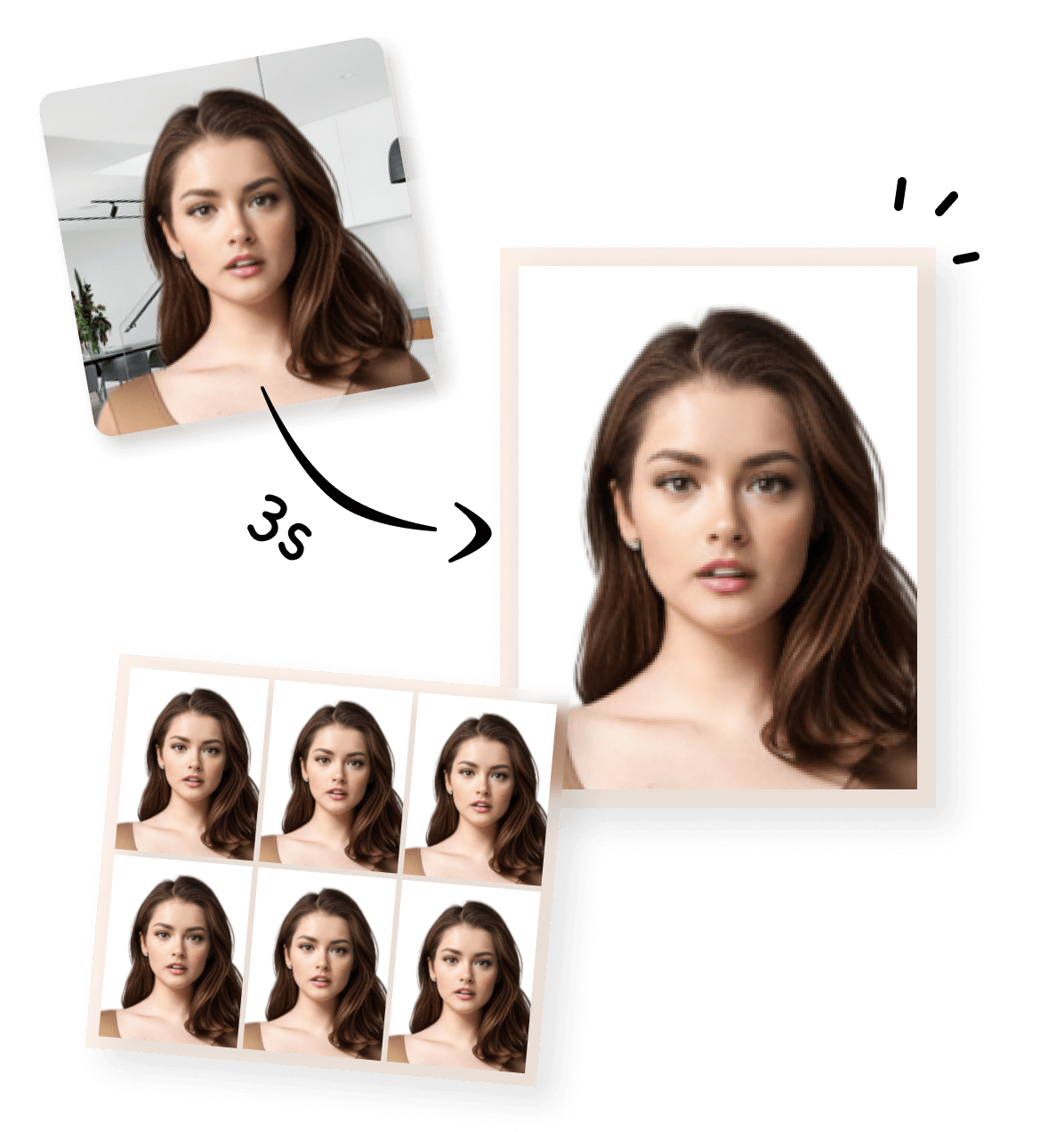


Walmart Passport Photo Guide: Services, Prices, and Cheaper 4×6 Printing Options
If you’re searching for a Walmart passport photo, this guide covers all the ways to get a US passport-compliant photo—whether by visiting a Walmart store, uploading your own photo online, or using a passport photo tool to print a cost-saving 4×6 layout.
What Is a Walmart Passport Photo?
A Walmart passport photo generally refers to the in-store service where staff take your photo and print it. Walmart also offers online printing options using uploaded digital images.
Walmart photos are intended to meet U.S. passport requirements, including:
- Final photo size: 2×2 inches (51×51 mm)
- Plain white or off-white background
- Proper head size, lighting, and neutral expression
Most Walmart stores with photo centers accept walk-in customers; no appointment is required for in-store shooting.
Walmart In-Store Passport Photo Service: What You Get
How the In-Store Service Works:
- Visit a Walmart store with a photo center
- Request a passport photo
- Staff takes your photo in-store
- Photo is checked for basic compliance
- Receive two printed 2×2 passport photos
Typical Price:
- Two 2×2 passport photos: $7.64*
- No official guarantee of acceptance; digital files are not provided
Comparable to other big-box retailers like CVS and Walgreens for in-store services.
Walmart Online Upload: Print Your Own Photo
You can upload an existing passport photo to Walmart’s website and order prints (store pickup or home delivery). However:
- Walmart only prints the image; it does not adjust background
- Uploading a single 2×2 photo does not reduce cost; you pay standard printing fees
- Risk: If the photo doesn’t meet official passport specifications, it may be rejected
Best for: Users who already have a compliant photo and only need prints.
Cheaper Option: Use a Passport Photo Tool + Walmart 4×6 Print
💡 Tip:
- Use a passport photo tool to create a compliant 2×2 photo and automatically generate a 4×6 layout
- Upload the 4×6 layout to Walmart for printing
- This reduces the cost: one 4×6 print can contain multiple passport photos, typically costing under $1
- Walmart will print it like any standard photo; you then cut the individual 2×2 photos
With passport photo tools, the process is simple: take or upload your photo, auto-adjust for compliance, and download a ready-to-print 4×6 layout for Walmart printing.
1


Take or Upload Your Photo
Use a photo from your phone or take a new one. Our tool supports all common formats.
2


Automatically Adjusted to Meet Standards
We crop, center, resize, and format your photo to meet official ID photo requirements – all done for you.
3
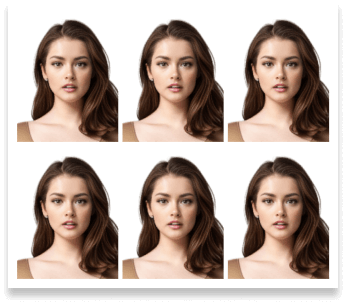
Download Your Photo Instantly
Save your digital photo or printable version immediately – perfect for online applications or printing at home.
Official US Passport Photo Requirements & Walmart Tips
To ensure your US passport photo meets official standards, please refer to the official requirements illustrated in the image module below.

 Size
Size
2x2 inch
 Resolution (DPI)
300 dpi
 Background Color
 Suitable for online use?
Yes
 Can Be Printed?
Yes
Walmart Passport Photo Options Compared
| Method | Walmart | Approx. Cost | 4×6 Layout | Best For |
|---|---|---|---|---|
| Walmart in-store photo | Yes | $$$ 7.64 | No | Fast & hands-off |
| Self-taken photo + manual editing | Yes | $ 0.16 | Maybe | Experienced users |
| Online-generated 4×6 layout + Walmart print | Yes | $ 0.16 | Yes | Cheapest & controlled |
Below is an example of the typical cost for printing a standard 4×6 photo at Duane Reade, which many people use to create multiple passport photos from a single print.
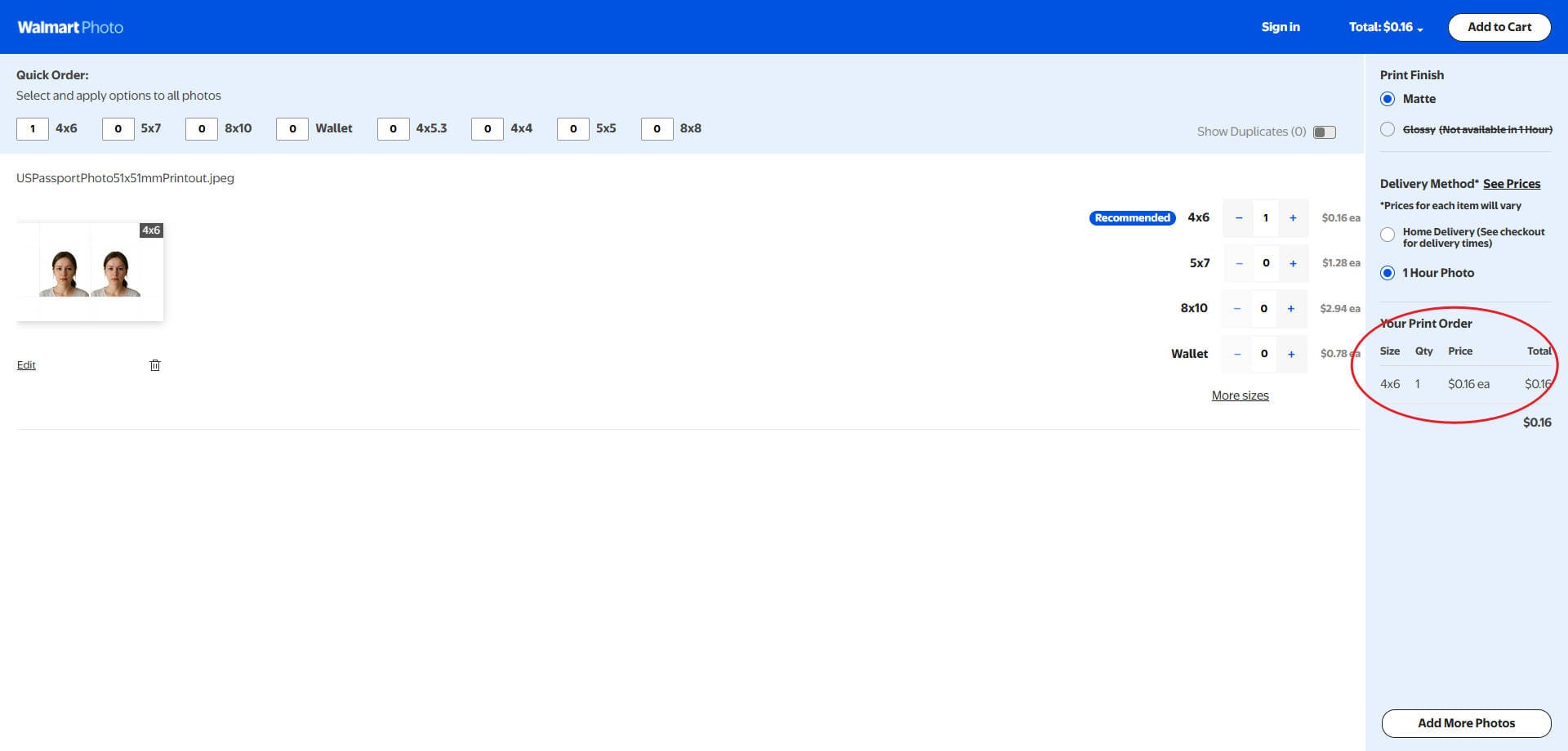
Printing a 4×6 layout usually costs under $1, compared to $7.64 for the in-store passport photo service.
Related Passport and Visa Photo Requirements
More Printing Options & Photo Types You Can Use
- CVS Passport Photo Printing
- Costco Passport Photo Printing
- Sam’s Club Passport Photo Printing
- Duane Reade Passport Photo Printing
Create More Than Just Passport Photoss
Create compliant passport or visa photos quickly with our online tools. Choose from a variety of **pre-made templates** on our home page for standard sizes, or use our Custom ID Photo Maker to define any size and adjust the face-to-photo ratio. Each country-specific tool is optimized to meet official requirements.
Australian Visa Photo - 35x45mm
Canada Visa Photo - 35x45mm
China Visa Photo 33x48 mm
US Passport Photo 51x51 mm

Saudi Arabia Visa Photo 2x2 inches (51x51 mm)
Schengen Visa Photo 35x45 mm

Photo 35x45 mm
US Visa Photo 2x2 inch (51x51 mm)
Frequently Asked Questions About Duane Reade Passport Photo
How much does a Walmart passport photo cost?
Two in-store 2×2 photos cost around $7.64; printing a 4×6 layout is cheaper, typically under $1.
Can I bring my own photo to Walmart?
Yes. You can upload your own photo for printing online or in-store.
Do I need Photoshop to make a 4×6 passport photo?
No. A passport photo tool can automatically create a compliant 4×6 layout for you.
Will a passport photo printed at Walmart be accepted?
Yes, as long as the photo meets official passport photo requirements.