

CVS Passport Photo: Services, Costs, and Cheaper 4×6 Alternatives
Learn everything about CVS passport photo services, pricing, and alternatives. Compare in-store photos with 4×6 printing and online options to save money.
Upload a photo
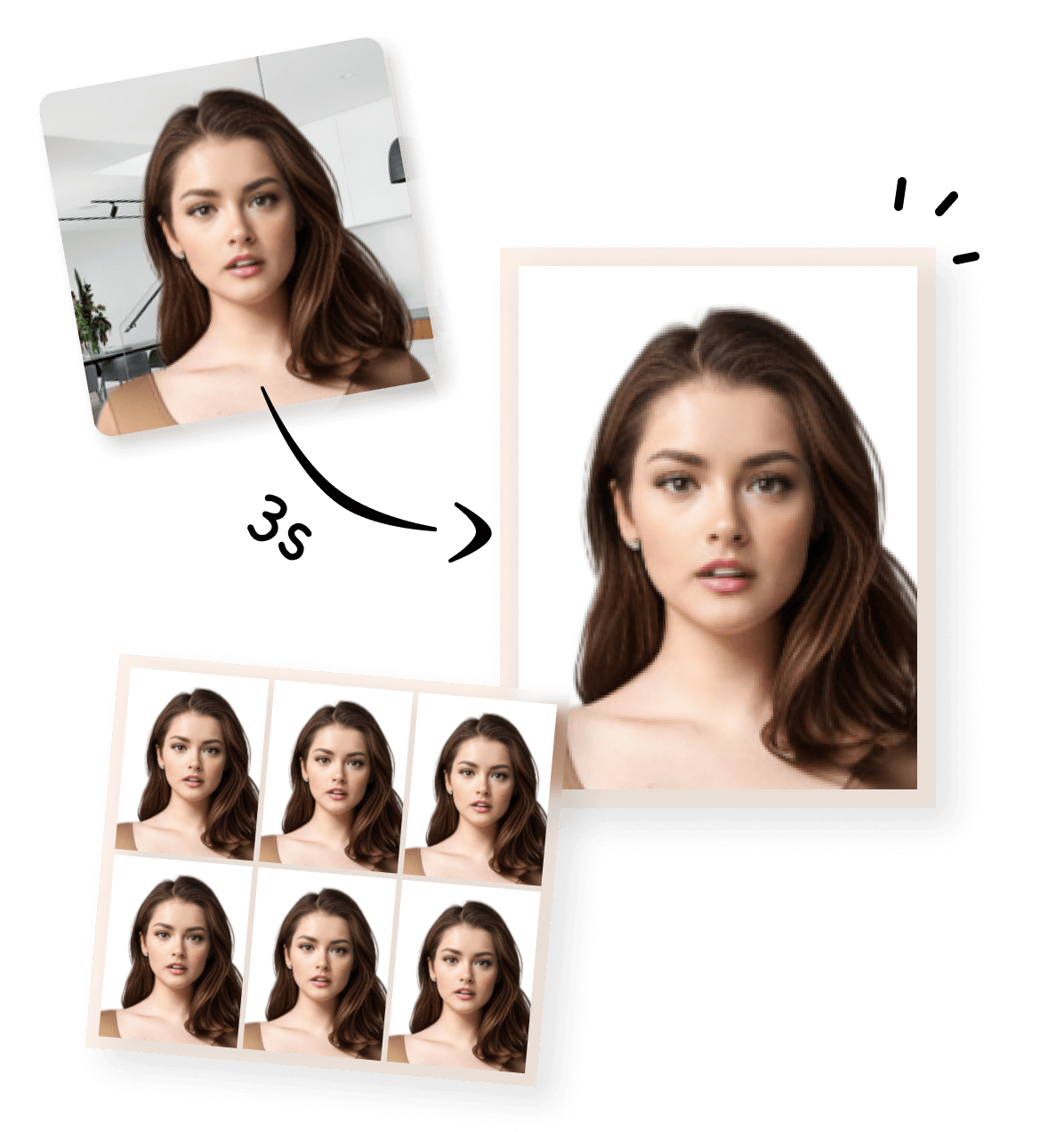


CVS Passport Photo Guide: Services, Prices, and Cheaper 4×6 Printing Options
If you’re searching for CVS passport photo, you’re likely looking for a convenient and compliant way to get passport photos—either for a U.S. passport application or other official ID purposes.
CVS is one of the most well-known places in the U.S. for passport photos. What many people don’t realize, however, is that there is more than one way to get a CVS passport photo, and the cost can vary significantly depending on the method you choose.
What Is a CVS Passport Photo?
A CVS passport photo typically refers to CVS Pharmacy’s in-store passport photo service, designed to meet U.S. government requirements:
-
Final photo size: 2×2 inches
-
White background
-
Proper head size, lighting, and neutral expression
At most CVS locations with a Photo Center, customers can walk in and request a passport photo without an appointment.
CVS Passport Photo In-Store Service: What You Get
How the In-Store Service Works
- Visit a CVS location that offers photo services
- Ask for a passport photo
- A CVS employee takes your photo using store equipment
- The photo is checked for basic compliance
- You receive two printed 2×2 passport photos
Typical Price
-
CVS passport photo (two 2×2 prints): around $16.99–$17.99
-
Optional digital copy: additional fee (varies by location)
Prices may differ slightly by store, but this range reflects the standard CVS passport photo pricing.
You Can Take a Passport Photo Online — It Only Takes 3 Steps
A common misconception about CVS passport photo services is that the photo must be taken in-store. In reality, passport photos can be taken online, as long as the final image meets official requirements. With passport photo tools, the entire process can be completed in just three simple steps. And you can create a 4×6 Passport Photo Layout for CVS Printing.
1
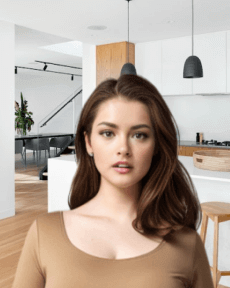

Take or Upload Your Photo
Use a photo from your phone or take a new one. Our tool supports all common formats.
2
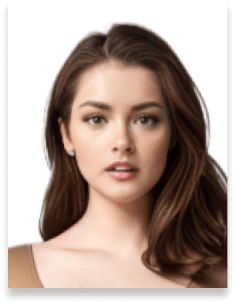

Automatically Adjusted to Meet Standards
We crop, center, resize, and format your photo to meet official ID photo requirements – all done for you.
3
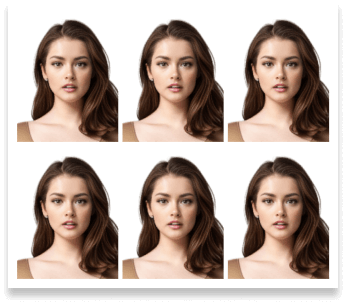
Download Your Photo Instantly
Save your digital photo or printable version immediately – perfect for online applications or printing at home.
Official US Passport Photo Requirements & CVS Tips
To ensure your US passport photo meets official standards, please refer to the official requirements illustrated in the image module below.

 Size
Size
2x2 inch
 Resolution (DPI)
301 dpi
 Background Color
 Suitable for online use?
Yes
 Can Be Printed?
Yes
CVS Passport Photo Options Compared
| Method | Uses CVS | Approx. Cost | 4×6 Layout | Best For |
|---|---|---|---|---|
| CVS in-store photo + print | Yes | $$$ (around $17) | No | Fast & hands-off |
| Self-taken photo + manual cropping | Yes | $ (under $1 for printing) | Maybe | Experienced users |
| Online-generated 4×6 layout + CVS print | Yes | $ (under $1 for printing) | Yes | Cheapest & controlled |
Below is an example of the typical cost for printing a standard 4×6 photo at CVS, which many people use to create multiple passport photos from a single print.
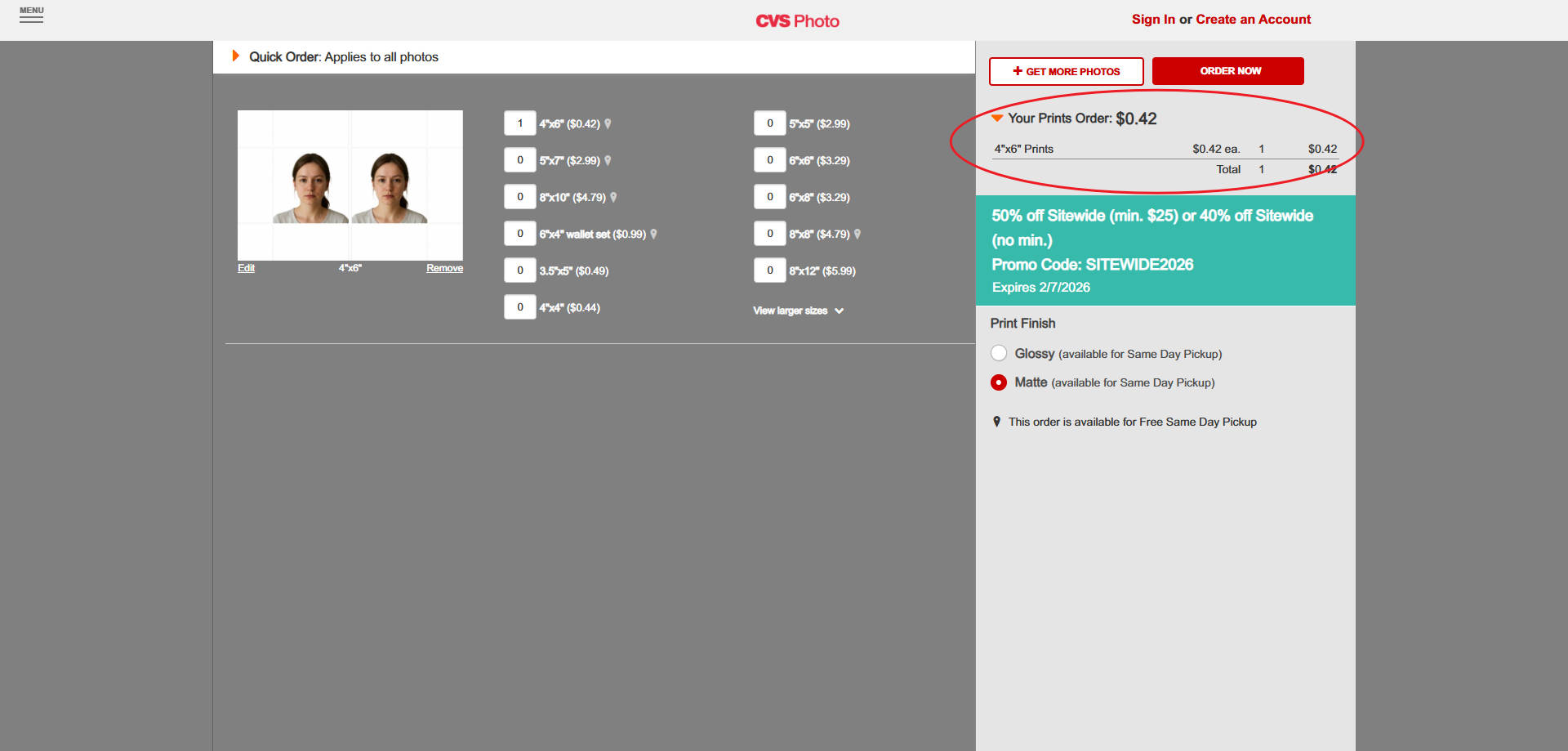
All three options below are valid CVS passport photo solutions—the best choice depends on your budget, time, and comfort level.
-
Choose CVS in-store passport photo if you want the fastest and simplest solution.
-
Choose a 4×6 printing option if you want to save money and don’t mind a bit of preparation.
-
Use a pre-formatted 4×6 layout if you want to reduce the risk of sizing or cropping errors.
Related Passport and Visa Photo Requirements
This page is part of our passport and visa photo requirements guide, covering official photo standards for different countries and document types.More Printing Options & Photo Types You Can Use
- Costco Passport Photo Printing
- Duane Reade Passport Photo Printing
- Sam’s Club Passport Photo Printing
- Walmart Passport Photo Printing
Create More Than Just Passport Photoss
Create compliant passport or visa photos quickly with our online tools. Choose from a variety of pre-made templates on our home page for standard sizes, or use our Custom ID Photo Maker to define any size and adjust the face-to-photo ratio. Each country-specific tool is optimized to meet official requirements.
Australian Visa Photo - 35x45mm
Canada Visa Photo - 35x45mm
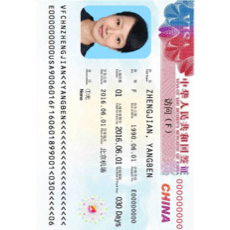
China Visa Photo 33x48 mm
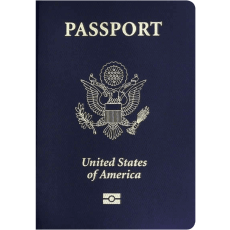
US Passport Photo 51x51 mm

Saudi Arabia Visa Photo 2x2 inches (51x51 mm)
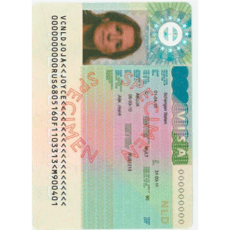
Schengen Visa Photo 35x45 mm

Photo 35x45 mm
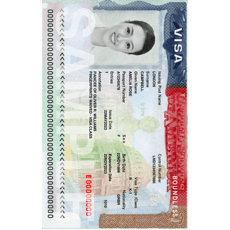
US Visa Photo 2x2 inch (51x51 mm)
Frequently Asked Questions About CVS Passport Photo
How much does a CVS passport photo cost?
A standard CVS passport photo taken in-store typically costs around $16.99–$17.99 for two 2×2 inch printed photos.
Is CVS passport photo service walk-in only?
Yes. Most CVS locations that offer passport photo services accept walk-in customers, and no appointment is required.
Can I use my own photo for a CVS passport photo?
Yes. You are not required to take your passport photo at CVS.
Can I print a passport photo at CVS using a 4×6 photo?
Yes. Many people choose to print their CVS passport photo using a 4×6 inch print, which is CVS Photo’s standard and most affordable print size.
What is the cheapest way to get a CVS passport photo?
The cheapest option is usually: 1) Take the passport photo yourself (at home or online) 2) Format it into a 4×6 inch layout 3) Print it as a standard 4×6 photo at CVS This method typically costs under $1 for printing, compared to the higher price of in-store passport photo services.
Can I take a passport photo online and print it at CVS?
Yes. Passport photos can be taken online or at home, as long as they meet official requirements. Once formatted correctly, the photo can be uploaded to CVS Photo and printed like any other 4×6 image.
Does CVS provide a digital passport photo file?
CVS may offer a digital copy as an optional add-on, depending on the store. If you need a digital passport photo for online applications, it’s often easier to prepare the photo yourself before printing.
Will a passport photo printed at CVS be accepted?
Photos printed at CVS are acceptable when they follow official passport photo standards.
How many passport photos can fit on one 4×6 print?
A single 4×6 inch photo can usually fit two or four 2×2 passport photos, depending on the layout used.