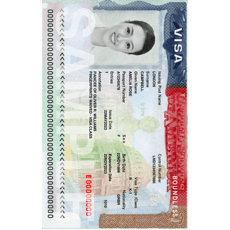
Canada Visa Photo Maker – Free, 35x45mm, Ready in 1 Minute
To apply for a Canadian visa, your photo must meet official IRCC standards: 35x45mm size, white background, clear facial features, neutral expression, and recent within 6 months. This tool helps you generate compliant visa photos instantly online.
Upload a photo
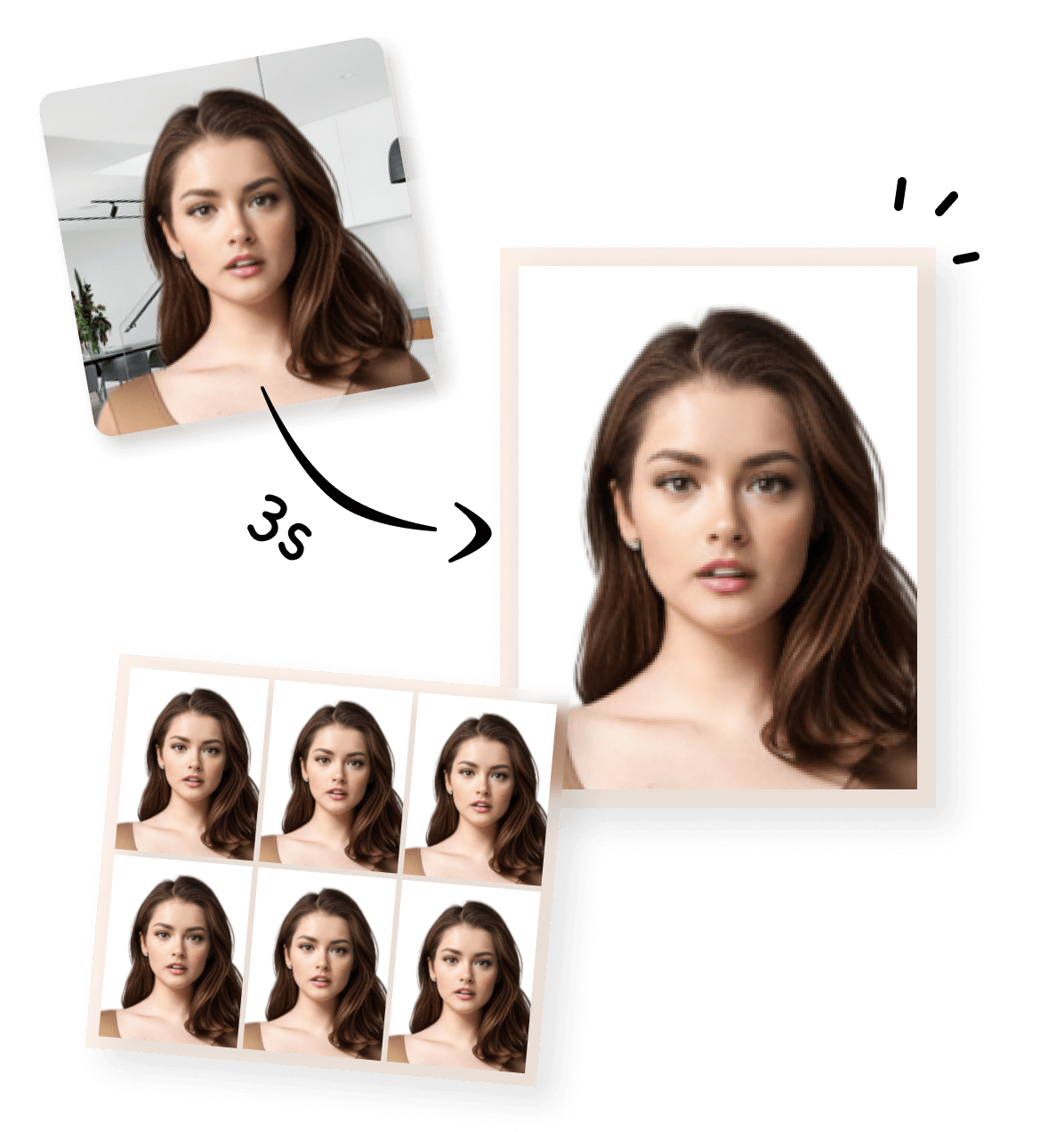


Create a Canadian Visa Photo Online with Our Photo Maker
Create your Canadian visa photo online with our easy-to-use tool. You can turn a regular photo or a selfie taken at home into a Canada visa-compliant 35×45 mm photo in just a few steps. No professional studio or photo editing software is required.
What Our Canadian Visa Photo Maker Can Do
|
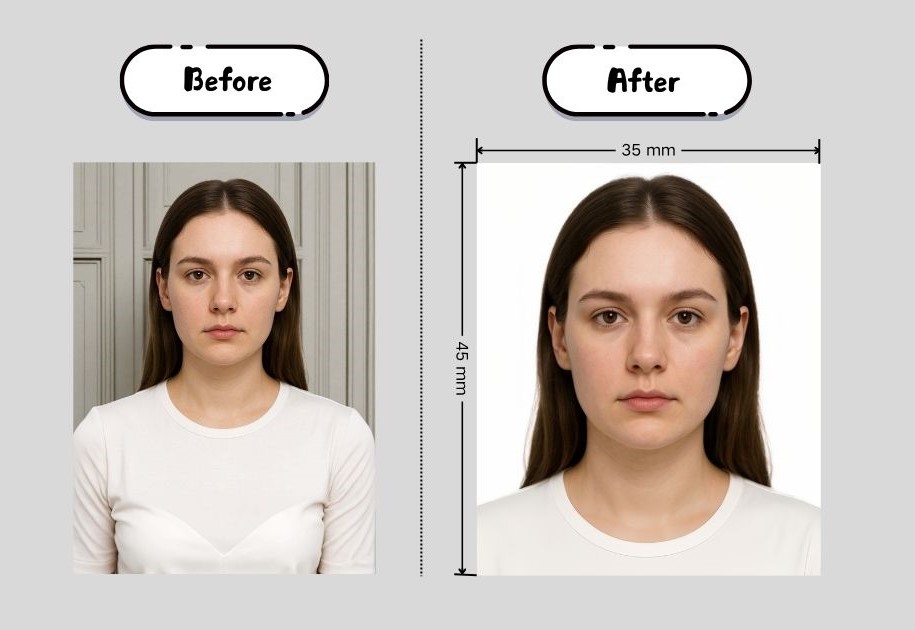
This Canadian visa photo maker helps you create a compliant visa photo from a regular picture taken with your phone or camera. With this online tool, you can:
|
|
How to Make a Canadian Visa Photo (Step by Step)
Follow this step-by-step guide to create a Canadian visa photo online quickly, even without photo editing experience.
💡 Tip:
- You can take the photo at home as long as it meets basic requirements such as good lighting and a plain background.
- After your photo is processed, you can choose how you want to use it. We provide two output formats, depending on whether you are submitting your visa application online or in person.
- Digital Visa Photo (Single Image) : This version is a single digital photo file that meets Canadian visa photo size and format requirements. Suitable for:
- Online visa applications
- Uploading to official application systems
- Digital submission without printing
- Printable Visa Photo (4×6 inch Photo Sheet) : This version places your visa photo on a 4×6 inch (approximately 10×15 cm) photo sheet for printing. Suitable for:
- Printing at a photo store or at home
- Cutting out individual 35×45 mm visa photos
- Submitting paper photos for in-person or offline applications
1


Take or Upload Your Photo
Use a photo from your phone or take a new one. Our tool supports all common formats.
2


Automatically Adjusted to Meet Standards
We crop, center, resize, and format your photo to meet official ID photo requirements – all done for you.
3
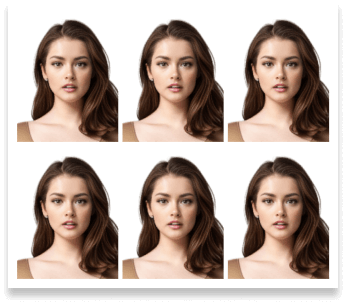
Download Your Photo Instantly
Save your digital photo or printable version immediately – perfect for online applications or printing at home.
How Our Photo Maker Meets Canadian Visa Photo Requirements
Photo Size, Format & Technical Requirements
Here’s a quick overview of the official Canadian visa photo requirements. You only need to provide a clear photo—our tool will handle cropping and adjustments automatically. For full details, check the official Government of Canada guidelines here.

 Size
Size
35x45 mm
 Resolution (DPI)
300 dpi
 Background Color
 Suitable for online use?
Yes
 Can Be Printed?
Yes
Canadian Visa Photo at Home: Tips and Common Mistakes
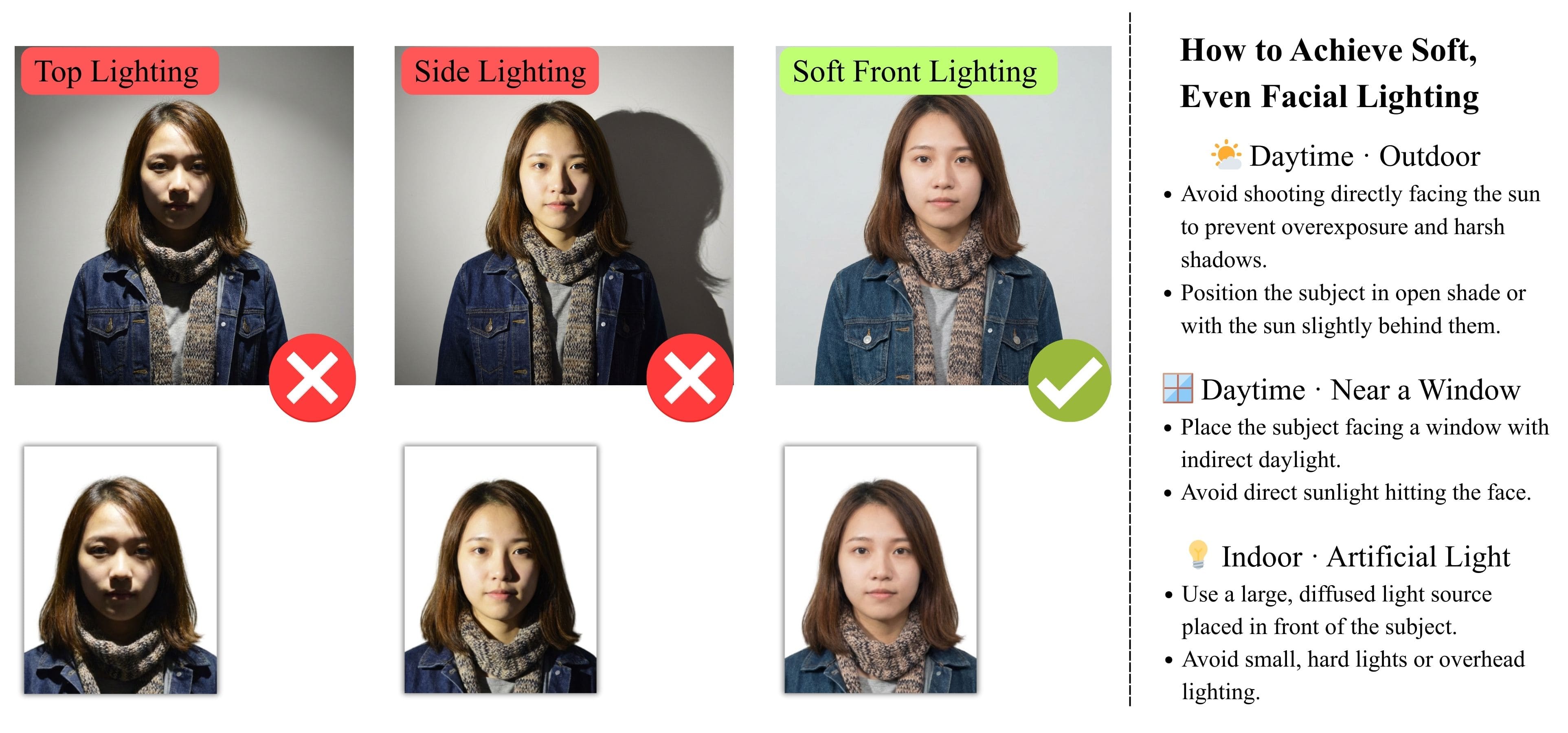
1) Lighting and Background
Use even lighting to avoid shadows on your face or background. Natural daylight works well. Stand in front of a plain, light-colored background such as a white or light grey wall.
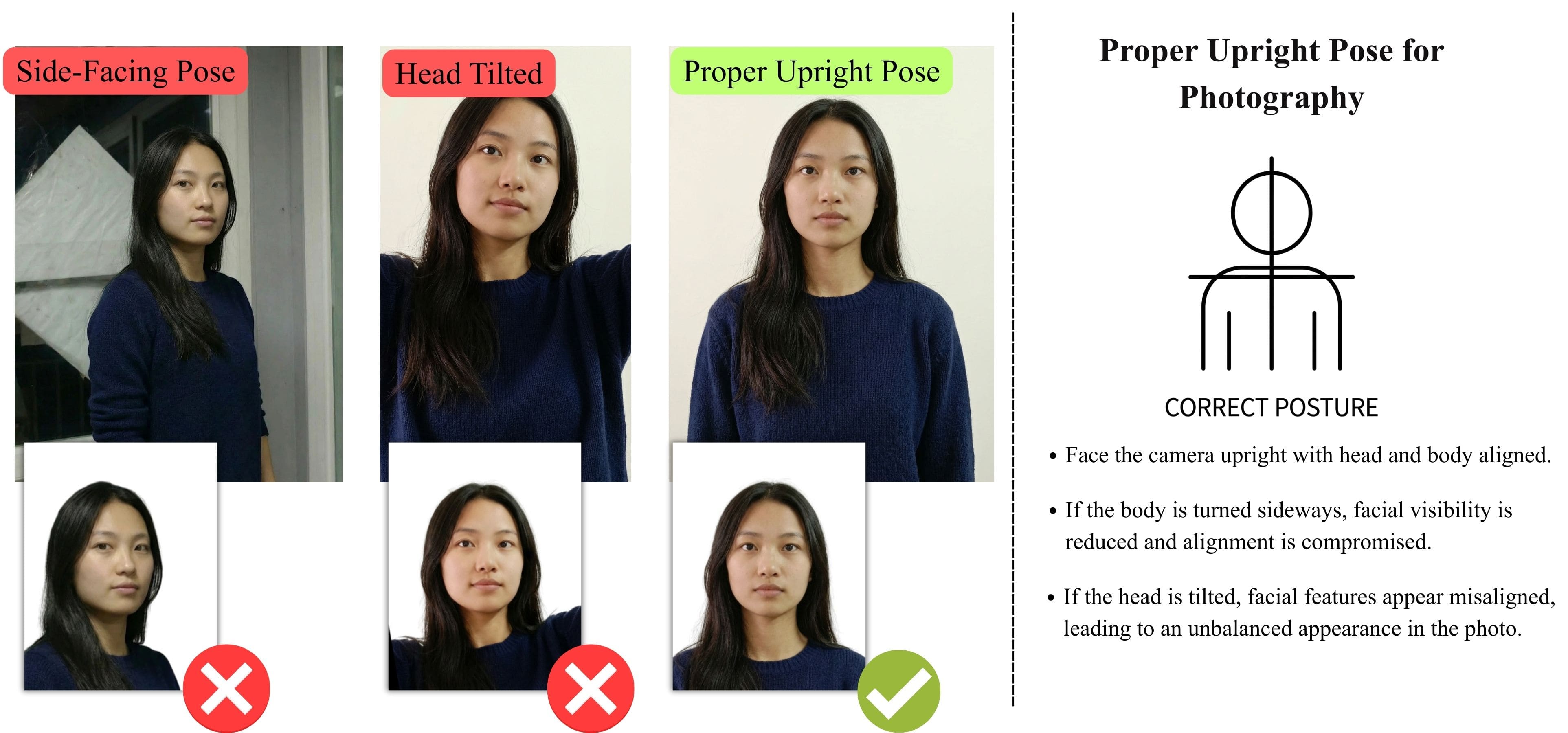
2) Pose and Expression
Face the camera directly with a neutral expression. Keep both eyes open and look straight at the camera. Do not tilt your head or smile.
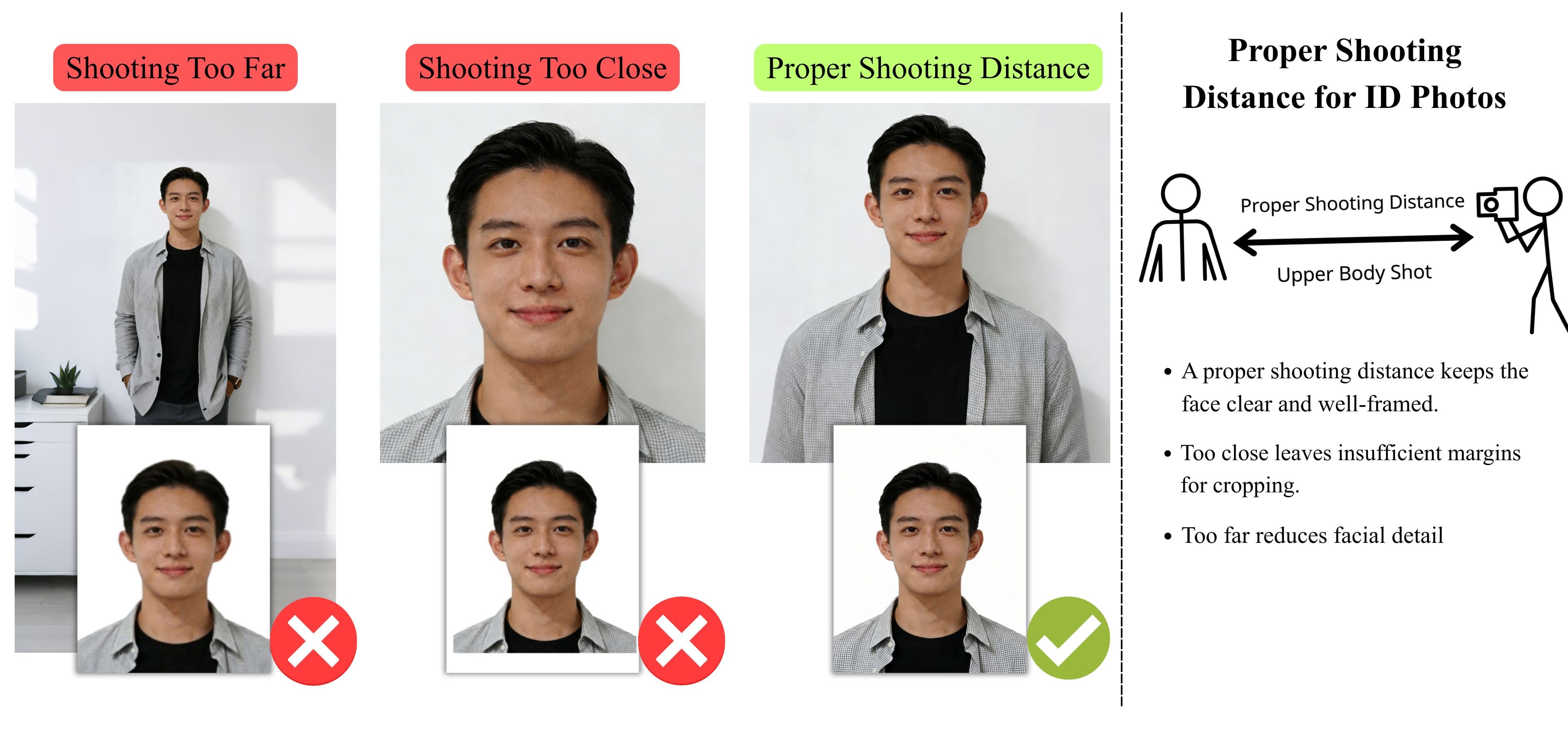
3) Distance and Camera Setup
Keep an appropriate distance so your head and upper shoulders are visible. A tripod can help keep the camera steady, but it is not required.
4) Clothing and Accessories
Wear everyday clothing. Glasses are generally not allowed due to glare and reflections. Hearing devices or similar medical equipment are permitted.
5) Baby and Child Visa Photos
For baby or child visa photos, ensure the child is facing the camera and clearly visible. The background should remain plain, and no other people or objects should appear in the photo.Need a Passport or Other Visa Photo?
This page is part of our visa photo requirements guide, covering official photo standards for different countries and document types.
Visa Photo Tools for Other Countries
Printing Your Photo
If you want to print a physical copy of your Canadian visa photo, here are some recommended ways: