

US Passport Photo Maker & Editor – Create a 2×2 Inch Photo Online
Create a fully compliant US passport photo online in minutes using our easy-to-use 2×2 inch photo maker and editor — no studio needed.
Upload a photo
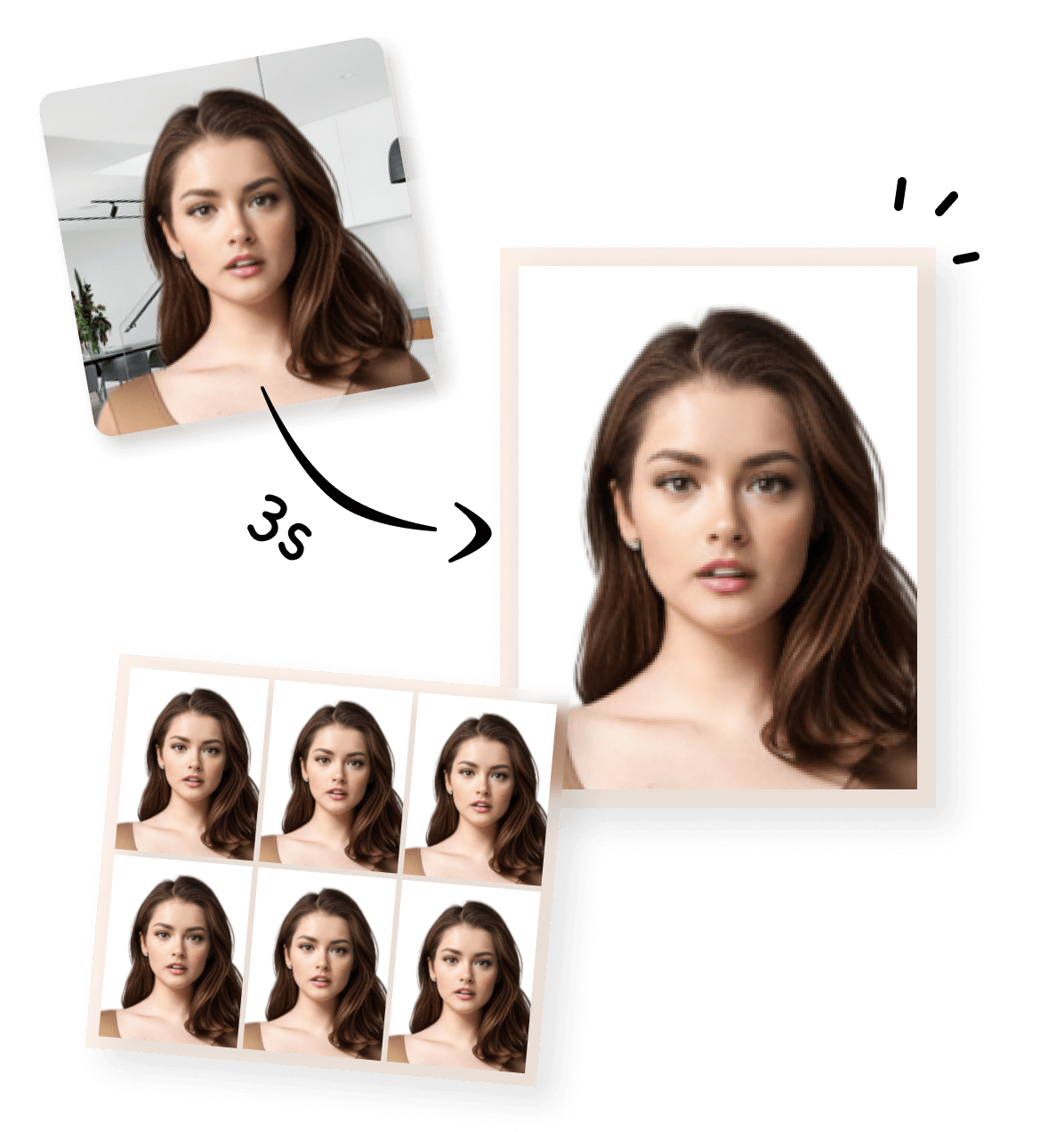


Create a US Passport Photo Online with Our Photo Maker
Our US passport photo maker and editor helps you create a compliant 2×2 inch passport photo online in minutes. Simply upload your photo, and our tool automatically crops, resizes, and adjusts it to meet official U.S. passport photo requirements. No studio visit, no manual editing, and no guesswork — everything is handled online, directly in your browser.What Our US Passport Photo Maker Can Do
You don’t need photo editing skills — the tool ensures your passport photo meets requirements automatically.
|
Our US passport photo maker is designed to handle all technical details for you:
|
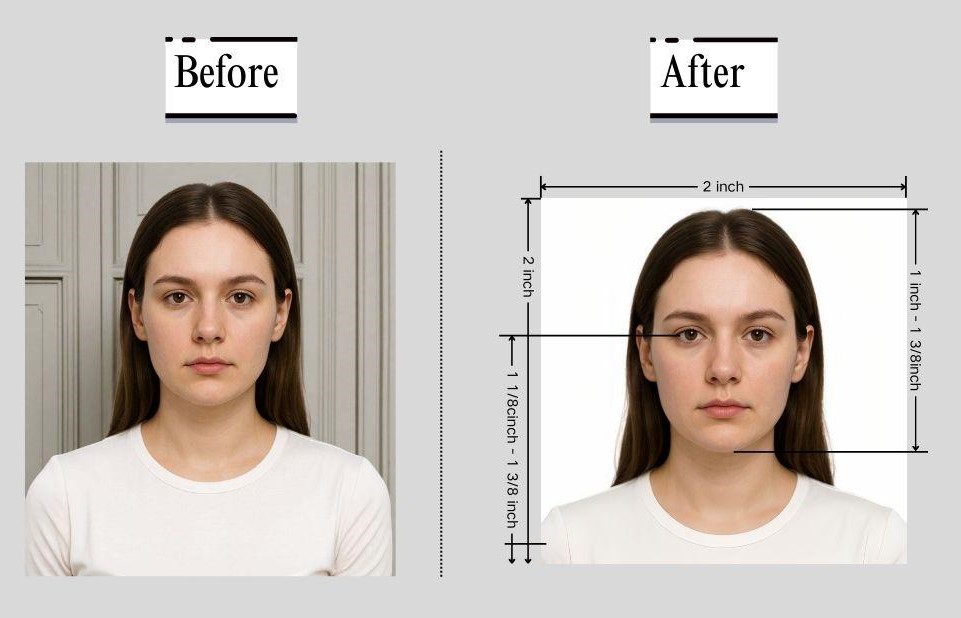
|
Create a US Passport Photo Online in 3 Simple Steps
Creating a US passport photo online is fast and straightforward💡 Tip:
- We provide two output formats, depending on whether you are submitting your visa application online or in person.
- Digital Visa Photo (Single Image) : This version is a single digital photo file that meets US visa photo size and format requirements. It is suitable for :
- Online visa applications
- Uploading to official application systems
- Digital submission without printing
- Printable Visa Photo (4×6 inch Photo Sheet) : This version places your visa photo on a 4×6 inch (approximately 10×15 cm) photo sheet, which is the standard size used by most photo labs and home printers. It is suitable for :
- Printing at a photo store or at home.
- Cutting out individual 2×2 inch visa photos.
- Submitting paper photos for in-person or offline applications.
1
Take or Upload Your Photo
Use a photo from your phone or take a new one. Our tool supports all common formats.
2
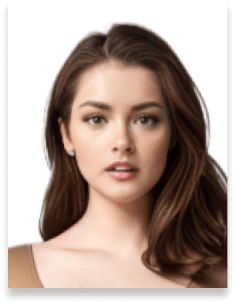
Automatically Adjusted to Meet Standards
We crop, center, resize, and format your photo to meet official ID photo requirements – all done for you.
3
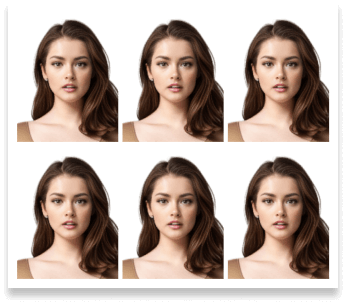
Download Your Photo Instantly
Save your digital photo or printable version immediately – perfect for online applications or printing at home.
How Our Passport Photo Maker Meets US Passport Requirements
U.S. passport photos must follow strict guidelines set by the U.S. Department of State. Our passport photo maker is built to follow these rules automatically, so you don’t have to study every requirement yourself.Below is how the tool ensures your photo meets official standards.
How the Tool Automatically Adjusts Size, Format & Resolution
Here’s a quick overview of the official passport photo visa photo requirements. You only need to provide a clear photo—our tool will handle the cropping and adjustments automatically. For full details, you can check the official US Department of State guidelines here.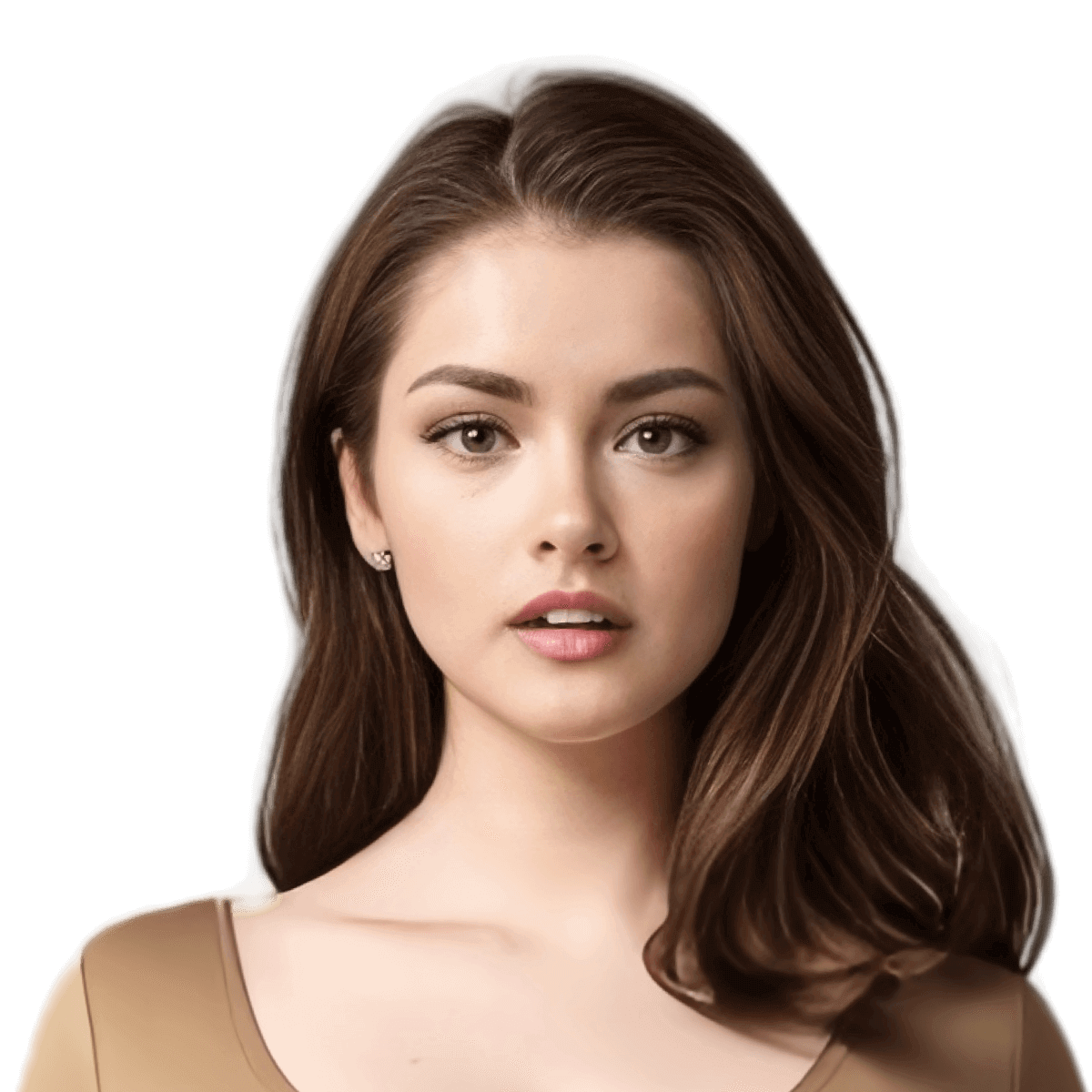
 Size
Size
51x51 mm
 Resolution (DPI)
300 dpi
 Background Color
 Suitable for online use?
Yes
 Can Be Printed?
Yes
Automatic US Passport Photo Compliance Check (U.S. Department of State)
Our passport photo maker automatically ensures your photo meets all official U.S. passport photo requirements, including size (2×2 inches / 51×51 mm), background color, head position, and facial expression.To give users extra confidence, the resulting photo can also be checked using the U.S. Department of State’s DS‑160 online photo verification system., which applies the same technical standards. This helps you be sure your passport photo is compliant before submitting it for your application.
US Passport Photo at Home: Tips and Common Mistakes
Our passport photo maker automatically ensures that the technical parameters of your photo meet all official U.S. passport requirements. However, certain aspects of the photo depend on how the photo is taken. To get the best results, you should pay attention to:
- Proper lighting on the face (avoid strong shadows or overexposure)
- Correct posture and neutral facial expression
- Appropriate distance and framing to capture the full head and shoulders
- Avoiding reflections or obstructions such as glasses or hats
By following these guidelines when taking the photo, you ensure that our tool can process and produce a passport-ready image without any issues.
Need Other Passport or Visa Photo Sizes?
If you need more than a US passport photo, our tools also support other passport and visa photo formats. Choose the option that fits your application and create the correct photo size online with the same automatic adjustments.Visa Photo Maker for Other Countries
Create compliant passport or visa photos quickly with our online tools. Choose from a variety of pre-made templates on our home page for standard sizes, or use our Custom ID Photo Maker to define any size and adjust the face-to-photo ratio. Each country-specific tool is optimized to meet official requirements.
Printing Your Photo Near You
After creating your US passport photo, you can print it at home or through an online printing service. The downloaded photo is formatted for standard printing layouts, making it easy to get physical passport photos without visiting a photo studio.


Frequently Asked Questions About US Passport Photo
What background color is acceptable for a US passport photo?
The official requirement is plain white or off‑white with no shadows or texture. Almost white or light cream is usually fine, but obvious color or shadows can lead to rejection.
Can I use a phone or DIY setup to take a passport photo, or do I need a professional?
Photos taken with a phone can be acceptable if they meet all technical requirements (size, background, lighting, face positioning). Pay close attention to lighting, focus, and framing even if you use a phone.
What should I do if my printed passport photo is rejected by a photo service?
Rejection at retail photo centers often stems from issues like incorrect size, shadows, or background texture. Make sure the photo meets all specs before printing or try another service that understands passport rules.
If my passport photo is 600×600, is that correct for digital submissions?
For digital submissions, the photo should at least be 600×600 pixels (some official guidance allows up to 1200×1200). Just ensure the pixel ratio is square (1:1) and meets size/quality requirements.
Do passport photos absolutely need to be taken within the last 6 months?
Yes — photos must be recent (taken within the last 6 months) so they reflect your current appearance. Old photos, even if technically correct, can cause rejection.
Is it okay to print my passport photo at Walgreens/Walmart/other stores?
Most major retail printing services can print 2×2 photos, but some only accept specific file workflows. Always confirm the store can print exact 2×2 photo paper and ask if they follow official guidelines.
Can you wear glasses in a US passport photo?
As of current rules, glasses are generally not allowed unless a medical reason is documented. Even clear frames can cause glare issues that lead to rejection.