

US Visa Photo Maker Online – DS-160 Photo Tool (2×2 Inch)
Turn a regular selfie or existing photo into a US visa-compliant 2x2 inch photo instantly. Download a digital version for online applications or print a sheet for in-person submission.
Upload a photo
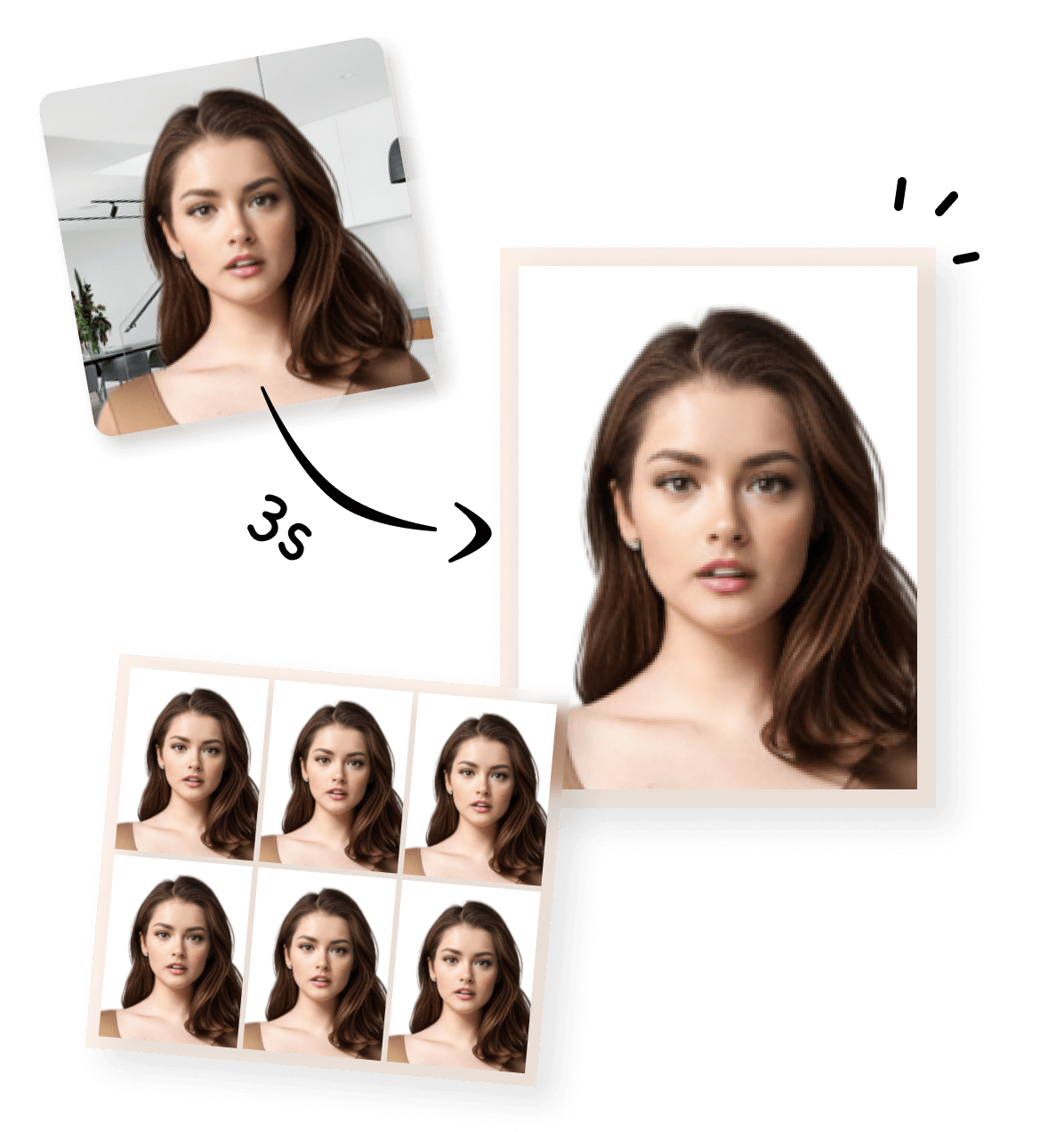


Create a US Visa Photo Online with Our DS-160 Photo Maker
Create your US visa photo online using a simple photo tool. You can turn a regular photo or a selfie taken at home into a US visa-compliant 2×2 inch photo in just a few steps. No professional studio or photo editing software is required.
What Our US Visa Photo Maker Can Do
|
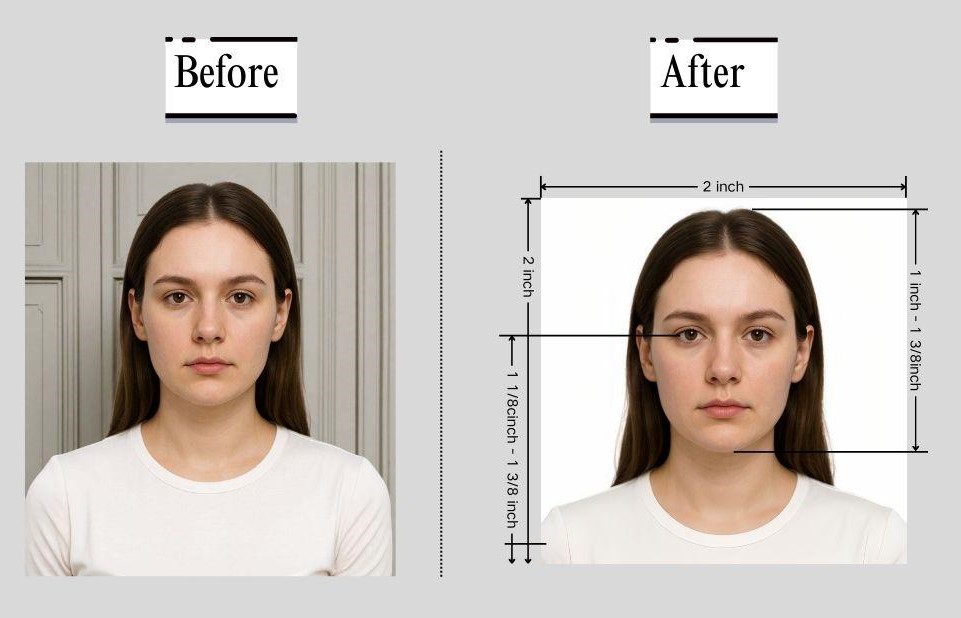
This US visa photo maker helps you create a compliant visa photo from a regular picture taken with your phone or camera. With this online tool, you can:
|
|
How to Make a US Visa Photo for DS-160 (Step by Step)
This step-by-step process allows you to create a US visa photo online quickly, even if you have no photo editing experience.
💡 Tip:
- You can take the photo at home as long as it meets basic requirements such as good lighting and a plain background.
- After your photo is processed, you can choose how you want to use it. We provide two output formats, depending on whether you are submitting your visa application online or in person.
- Digital Visa Photo (Single Image) : This version is a single digital photo file that meets US visa photo size and format requirements. It is suitable for :
- Online visa applications
- Uploading to official application systems
- Digital submission without printing
- Printable Visa Photo (4×6 inch Photo Sheet) : This version places your visa photo on a 4×6 inch (approximately 10×15 cm) photo sheet, which is the standard size used by most photo labs and home printers. It is suitable for :
- Printing at a photo store or at home.
- Cutting out individual 2×2 inch visa photos.
- Submitting paper photos for in-person or offline applications.
1
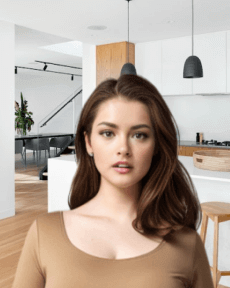
Take or Upload Your Photo
Use a photo from your phone or take a new one. Our tool supports all common formats.
2
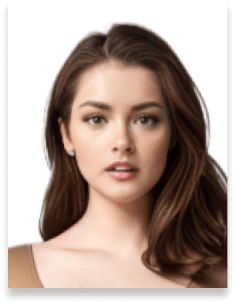
Automatically Adjusted to Meet Standards
We crop, center, resize, and format your photo to meet official ID photo requirements – all done for you.
3
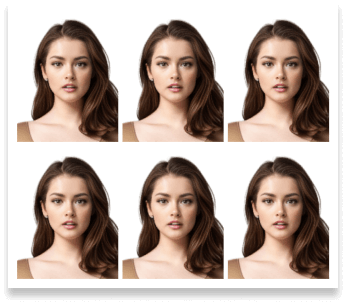
Download Your Photo Instantly
Save your digital photo or printable version immediately – perfect for online applications or printing at home.
How Our Photo Maker Meets US Visa Photo Requirements
Photo Size, Format & Technical Requirements
Here’s a quick overview of the official US visa photo requirements. You only need to provide a clear photo—our tool will handle the cropping and adjustments automatically. For full details, you can check the official US Department of State guidelines here.
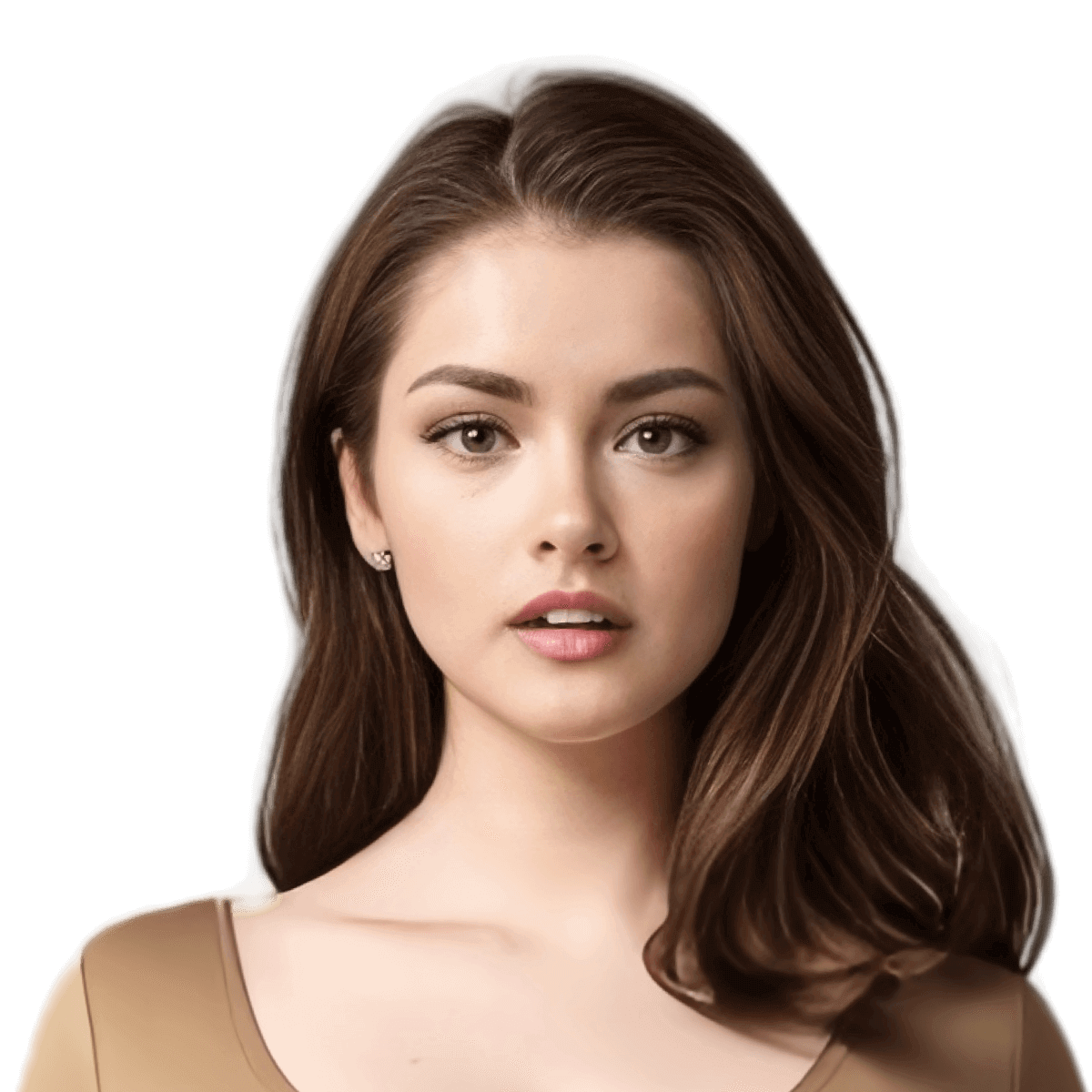
 Size
Size
51x51 mm
 Resolution (DPI)
300 dpi
 Background Color
 Suitable for online use?
Yes
 Can Be Printed?
Yes
Automatic US Visa Photo Compliance Check
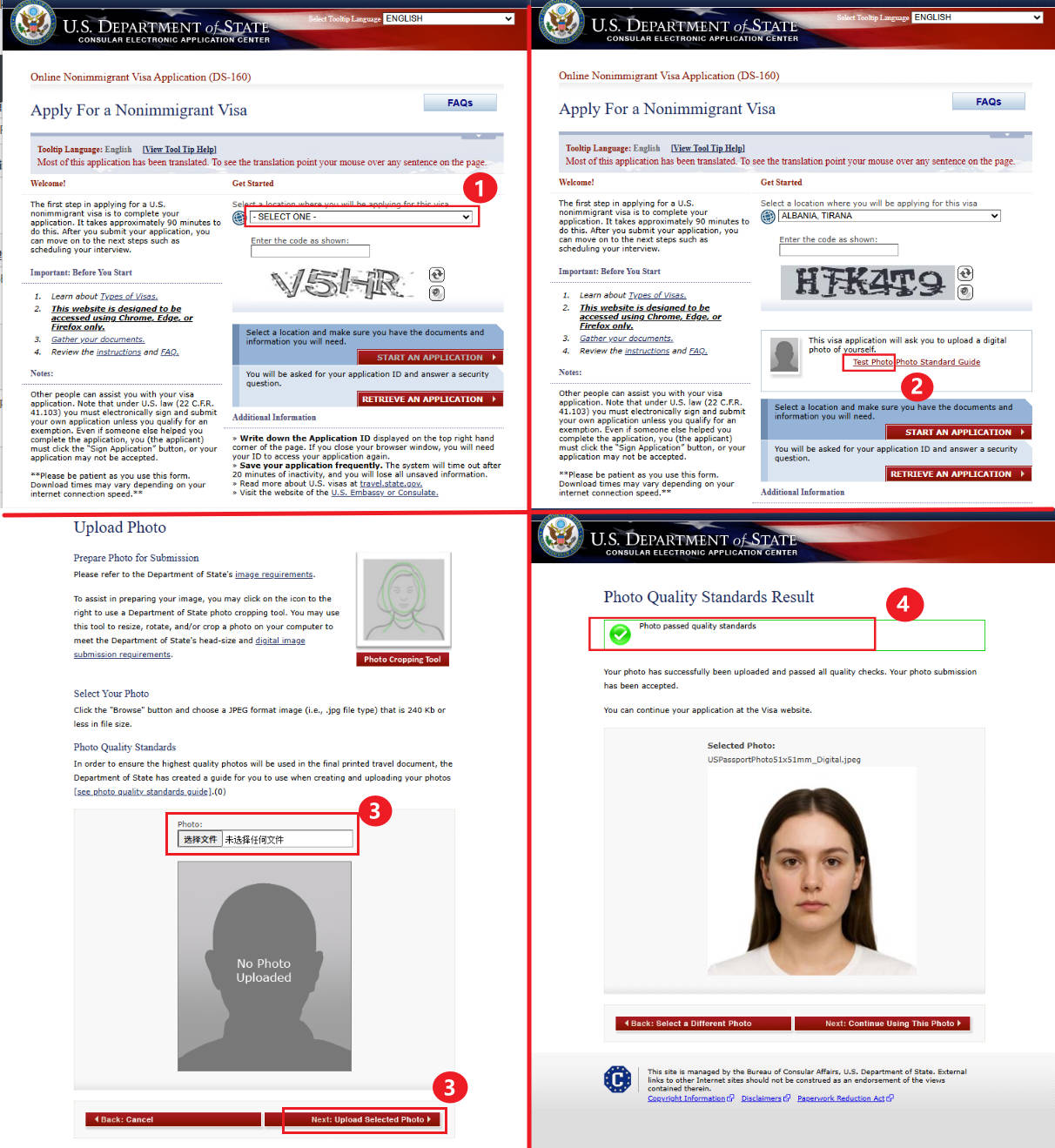
The tool applies official US visa photo guidelines to your image, helping you prepare a compliant photo. Please note that a clear, well-taken original photo is required. After creating your US visa photo with our tool, you can check its compliance using the official US Department of State photo verification tool: US visa photo checker.- Select a U.S. visa application location. The “Test Photo” button will appear only after you select a location.
- Click the “Test Photo” button. This takes you to the photo upload page.
- Upload your generated US visa photo. Make sure it is the file produced by our tool.
- Check the result. The system will indicate “Accepted” if the photo meets requirements, or “Rejected” if adjustments are needed.
US Visa Photo at Home: Tips and Common Mistakes
To ensure your photo works correctly with the visa photo maker, it’s important to take the photo properly.
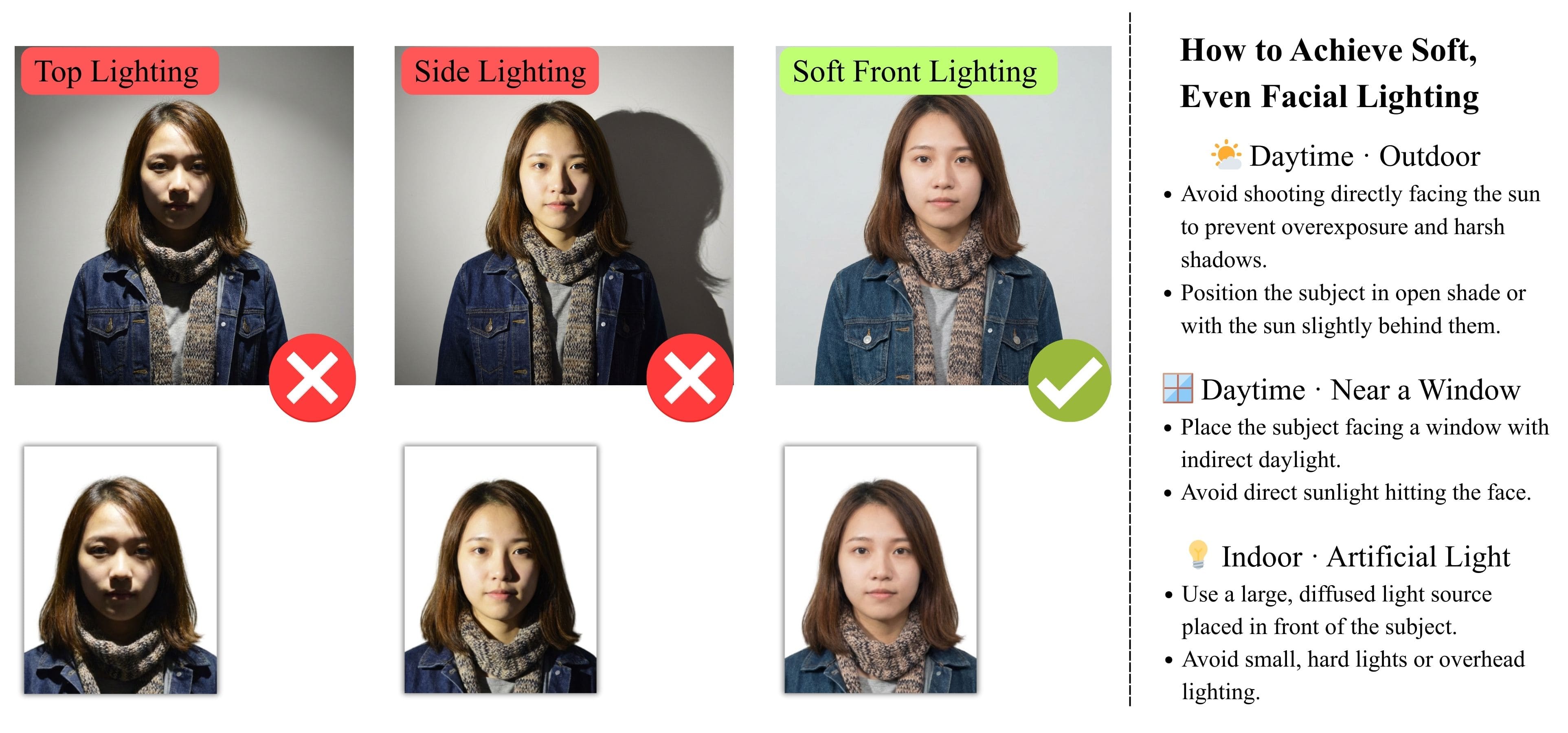
1) Lighting and Background
Use even lighting to avoid shadows on your face or background. Natural daylight works well. Stand in front of a plain, light-colored background such as a white wall.
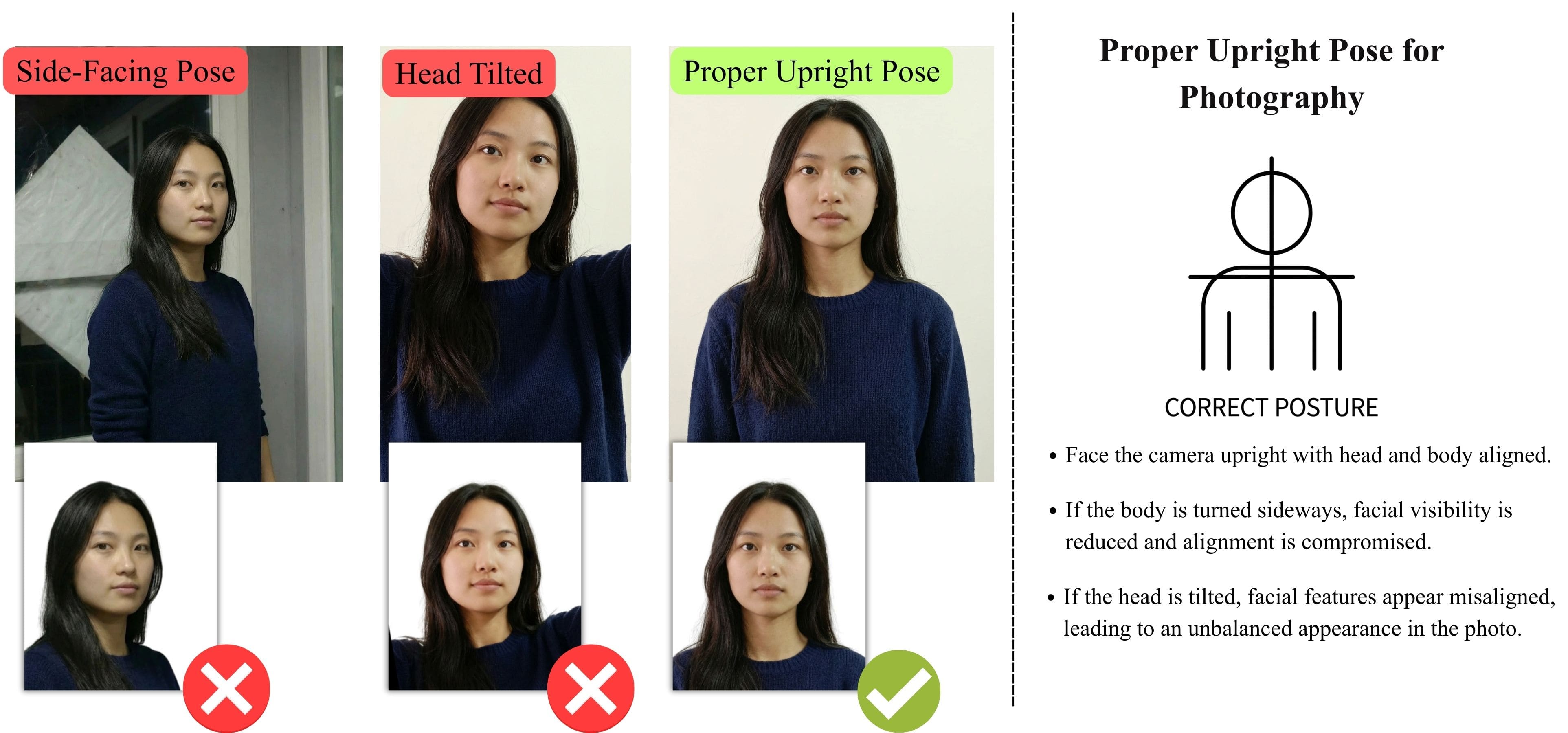
2) Pose and Expression
Face the camera directly with a neutral expression. Keep both eyes open and look straight at the camera. Do not tilt your head or smile.
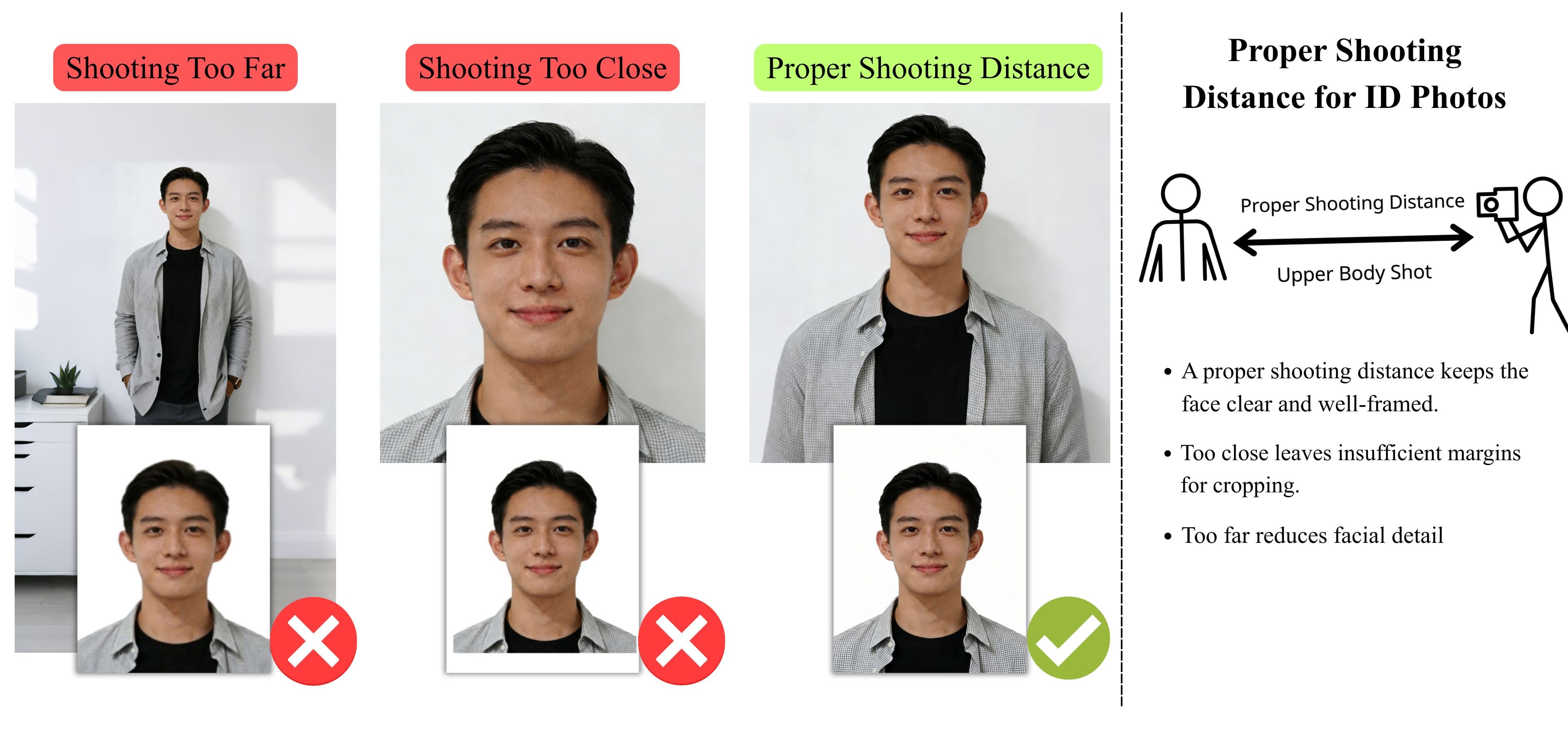
3) Distance and Camera Setup
Keep an appropriate distance so your head and upper shoulders are visible. A tripod can help keep the camera steady, but it is not required.
4) Clothing and Accessories
Wear everyday clothing. Glasses are generally not allowed due to glare and reflections. Hearing devices or similar medical equipment are permitted.
5) Baby and Child Visa Photos
For baby or child visa photos, make sure the child is facing the camera and visible clearly. The background should still be plain, and no other people or objects should appear in the photo.Taking the photo correctly helps avoid upload errors and ensures the final visa photo meets application requirements.
Need a Passport or Other Visa Photo?
This page is part of our visa photo requirements guide, covering official photo standards for different countries and document types.
Visa Photo Tools for Other Countries
Create compliant passport or visa photos quickly with our online tools. Choose from a variety of pre-made templates on our home page for standard sizes, or use our Custom ID Photo Maker to define any size and adjust the face-to-photo ratio. Each country-specific tool is optimized to meet official requirements.Printing Your Photo
If you want to print a physical copy of your US visa or passport photo, here are some recommended ways:


Frequently Asked Questions About US Visa Photo
Can I take a US visa photo at home?
Yes! You can take a photo at home as long as it meets the basic requirements: good lighting, neutral expression, plain background, and proper head positioning. Our tool will handle cropping and adjusting the photo to official specifications.
What size and format should my US visa photo be?
1) Size: 2×2 inches (51×51 mm) 2) Resolution: 600×600 px minimum 3) File format: JPEG File size: ≤ 240 KB 4) Head & Eyes: Head fills 50–70% of the photo; eyes positioned 28–35 mm from the bottom All these adjustments are automatically handled by our tool if your original photo meets basic quality standards.
How can I verify that my photo is compliant?
After generating your photo, you can use the official US visa photo checker to confirm compliance. The tool will indicate “Accepted” if the photo meets the requirements, or “Rejected” if adjustments are needed.
Can I print my US visa photo?
Yes, our tool provides a print-ready version suitable for physical submission. You can print it at home or use trusted services like:
Does the tool guarantee my photo will be accepted by the US government?
Our tool ensures that photos meet official specifications automatically. Final compliance depends on providing a clear, well-taken original photo. Using the official visa checker can help confirm your photo before submission.
Can this tool create photos for other countries?
Yes! You can create passport and visa photos for other countries.
Do my photos have to be in color?
Yes. All visa photos must be in color. Black-and-white photos will not be accepted.
Can I wear glasses, hats, or accessories?
1) No glasses in US visa photos unless needed for medical reasons with supporting documentation. 2) No hats or head coverings that obscure the hairline or cast shadows unless you wear them daily for religious reasons. 3) Hearing devices and similar equipment are allowed.
Do I need to carry printed photos to my appointment?
This varies by location: 1) For Dropbox-only submission, some applicants were asked to bring printed photos 2) For biometric appointments/interviews, many consulates take your photo on site and do not require you to bring printed photos Always check the local consulate’s instructions.