

US Digital Passport Photo – Take a Compliant Photo at Home
Get your biometric photograph within 3 minutes, with your smartphone, comfortably from home.
Upload a photo
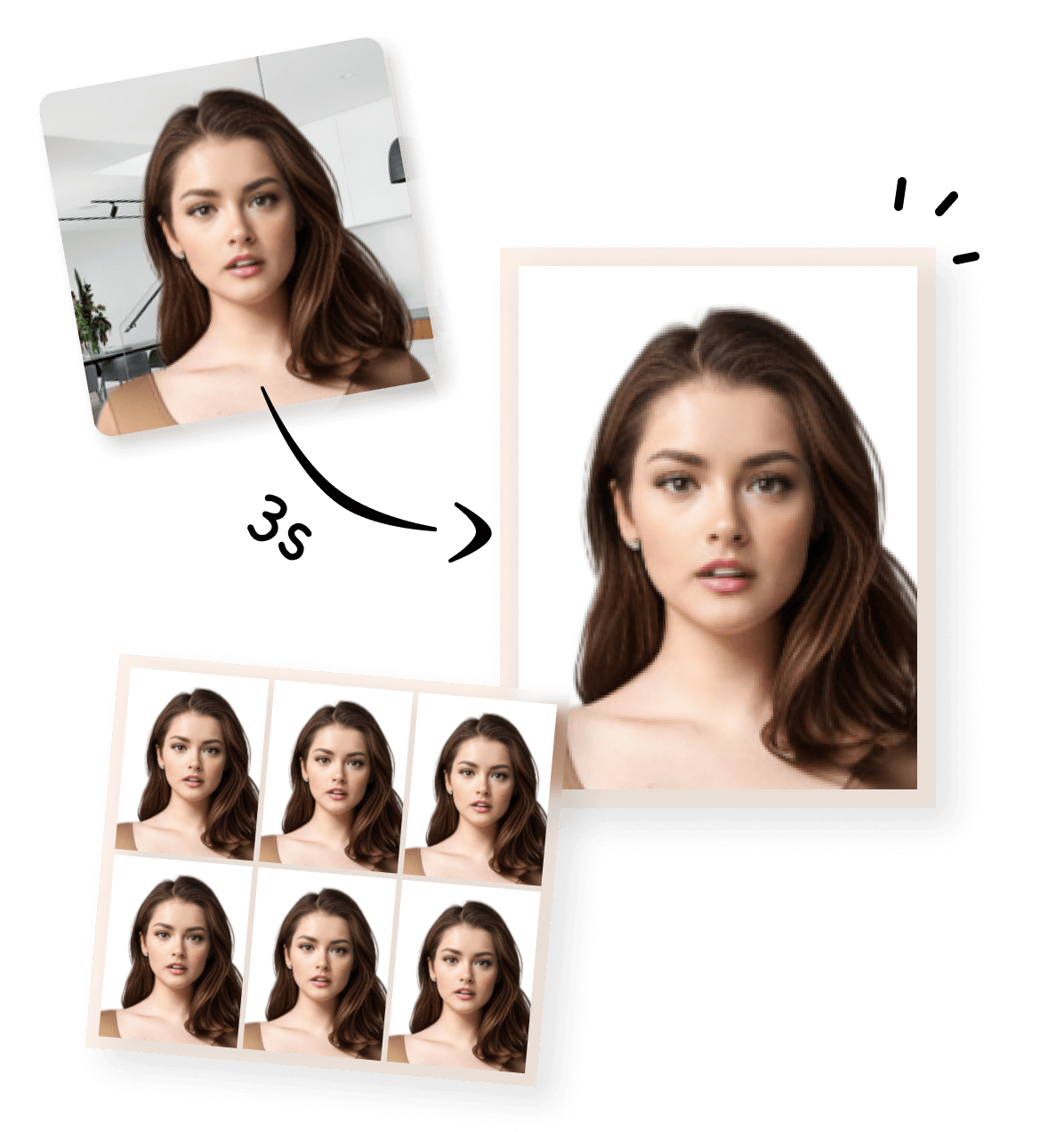


How to Make a US Digital Passport Photo Online in 3 Easy Steps
1

Take or Upload Your Photo
Use a photo from your phone or take a new one. Our tool supports all common formats.
2


Automatically Adjusted to Meet Standards
We crop, center, resize, and format your photo to meet official ID photo requirements – all done for you.
3
Download Your Photo Instantly
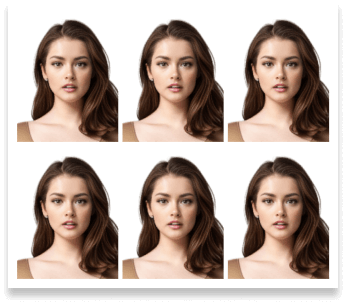
Save your digital photo or printable version immediately – perfect for online applications or printing at home.
US Digital Passport Photo Requirements
Here’s a quick overview of the official US visa photo requirements. You only need to provide a clear photo—our tool will handle the cropping and adjustments automatically. For full details, you can check the official US Department of State guidelines here.

 Size
Size
602x602 px
 Resolution (DPI)
300 dpi
 Background Color
 Suitable for online use?
Yes
 Can Be Printed?
Yes
Other Common Photo Types
Visa Photo Tools for Other Countries
Create compliant passport or visa photos quickly with our online tools. Choose from a variety of pre-made templates on our home page for standard sizes, or use our Custom ID Photo Maker to define any size and adjust the face-to-photo ratio. Each country-specific tool is optimized to meet official requirements.Printing Your Photo
If you want to print a physical copy of your US visa or passport photo, here are some recommended ways:
Australian Visa Photo - 35x45mm
Canada Visa Photo - 35x45mm
China Visa Photo 33x48 mm
US Passport Photo 51x51 mm

Saudi Arabia Visa Photo 2x2 inches (51x51 mm)
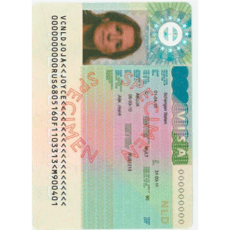
Schengen Visa Photo 35x45 mm

Photo 35x45 mm
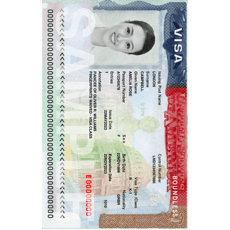
US Visa Photo 2x2 inch (51x51 mm)
Frequently Asked Questions About US Digital Passport Photo
What is a US digital passport photo?
A US digital passport photo is a digital image file used for online U.S. passport renewal. It must meet all official U.S. Department of State photo requirements and is uploaded directly during the online application process.
Do I need a digital photo for online passport renewal?
Yes. If you renew your U.S. passport online, you must upload a compliant digital passport photo. Printed photos are not accepted for online renewal.
Can I take my US digital passport photo with my phone?
Yes. You can take your passport photo using a smartphone, as long as the photo meets all official requirements. The photo should be taken by another person—not a selfie.
Can I wear glasses in my US digital passport photo?
No. Glasses are not allowed, unless you have a documented medical or religious reason. Reflections or frames covering the eyes will cause rejection.
Can I wear hats, head coverings, or jewelry?
Hats or head coverings are only allowed for religious or medical reasons. Jewelry is allowed as long as it does not cover facial features or create shadows.
Do I need to print my passport photo?
No. For online passport renewal, you only need a digital photo file. Printed photos are required only for mail-in applications.
What background should I use when taking the photo at home?
Use a plain white or off-white wall with no texture or shadows. Make sure the lighting is even and bright.
Is a digital passport photo different from a printed passport photo?
Yes. Digital photos are used for online applications and must meet pixel and file requirements. Printed photos are used for mail-in applications and must be 2 × 2 inches.