

US Baby Passport Photo Maker – Create a 2×2 Inch Photo for Infants Online
Create a compliant US passport photo for babies and infants online. Our baby passport photo maker helps parents prepare a 2×2 inch photo that meets official U.S. requirements.
Upload a photo
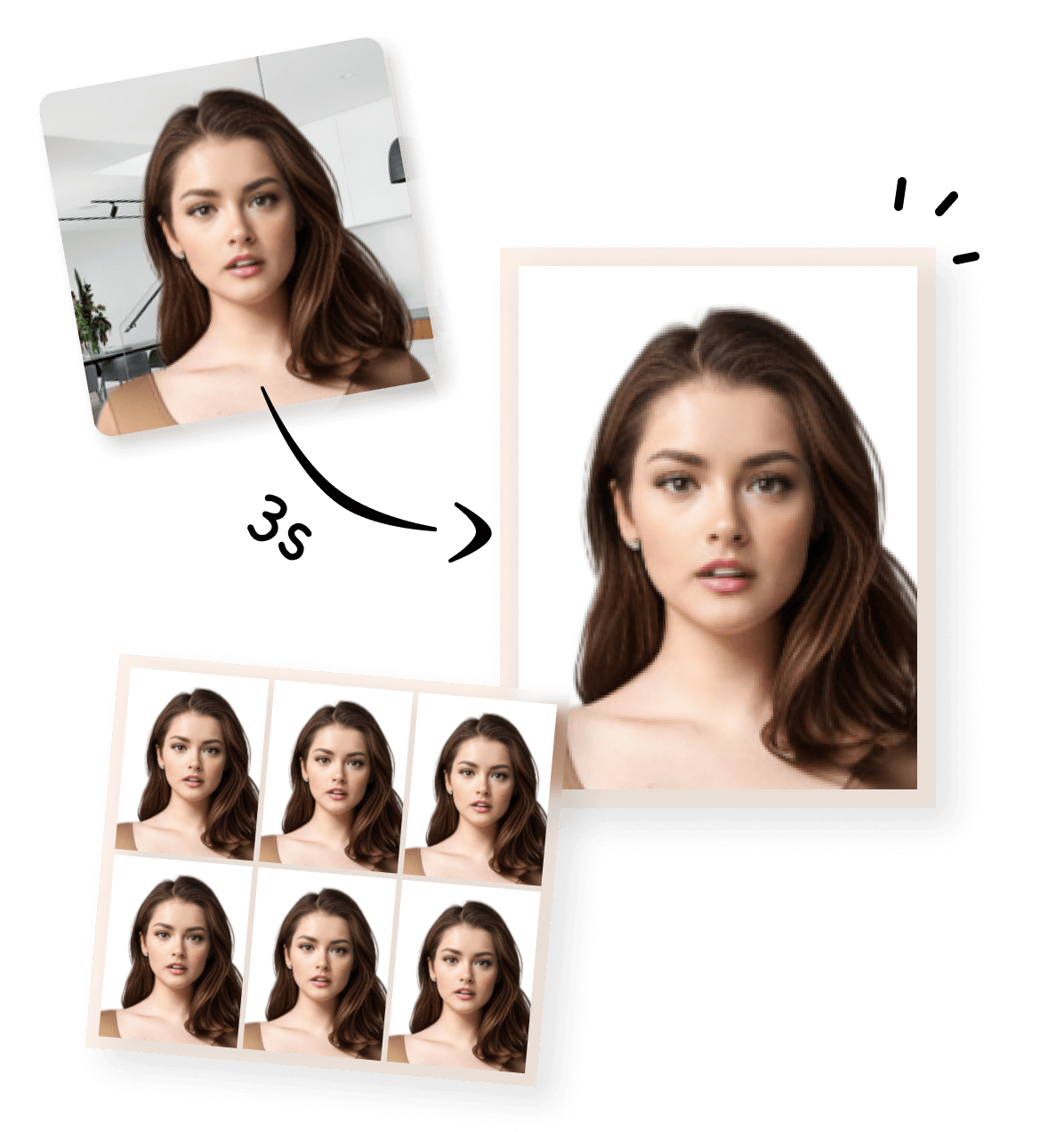


Create a US Baby Passport Photo Online
Creating a US passport photo for a baby or infant can be challenging. While the official photo size remains the same as for adults, certain requirements are applied more flexibly for infants. Our online baby passport photo maker helps parents prepare a technically compliant 2×2 inch photo from home.
What Makes Baby Passport Photos Different
US passport photo requirements for babies and infants differ slightly from those for adults. While size and background rules still apply, infants are not expected to maintain a strict facial expression or posture, and minor variations are generally tolerated by U.S. passport authorities.
- Neutral expression is recommended, but some flexibility is allowed for infants
- The baby must be alone in the photo, with no hands, toys, or other objects visible
- The background must remain plain white or off-white
- The baby’s face should be clearly visible and not obstructed
Create a Baby Passport Photo in 3 Simple Steps
After your photo is processed, you can choose how you want to use it. We provide two output formats, depending on whether you are submitting your visa application online or in person.
💡 Tip:
- Digital passport Photo (Single Image) : This version is a single digital photo file that meets US passport photo size and format requirements. It is suitable for :
- Online visa applications
- Uploading to official application systems
- Digital submission without printing
- Printable passport Photo (4×6 inch Photo Sheet) : This version places your passport photo on a 4×6 inch (approximately 10×15 cm) photo sheet, which is the standard size used by most photo labs and home printers. It is suitable for :
- Printing at a photo store or at home.
- Cutting out individual 2×2 inch passport photos.
- Submitting paper photos for in-person or offline applications.
1
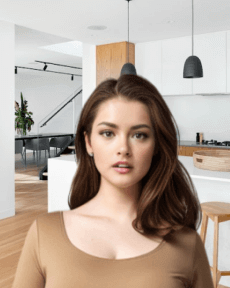
Take or Upload Your Photo
Use a photo from your phone or take a new one. Our tool supports all common formats.
2
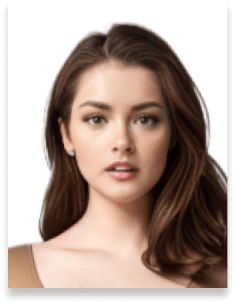
Automatically Adjusted to Meet Standards
We crop, center, resize, and format your photo to meet official ID photo requirements – all done for you.
3
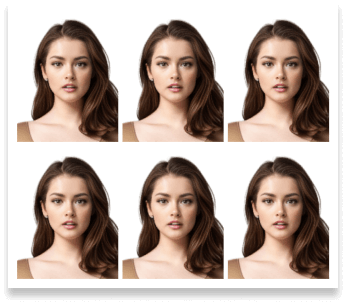
Download Your Photo Instantly
Save your digital photo or printable version immediately – perfect for online applications or printing at home.
How Our Tool Handles US Baby Passport Photo Requirements
Our baby passport photo maker focuses on meeting the official technical requirements, while allowing for the natural differences involved in photographing infants.
Automatic Cropping for Infant Photos And Background Adjustments
 Size
Size
51x51 mm
 Resolution (DPI)
300 dpi
 Background Color
 Suitable for online use?
Yes
 Can Be Printed?
Yes
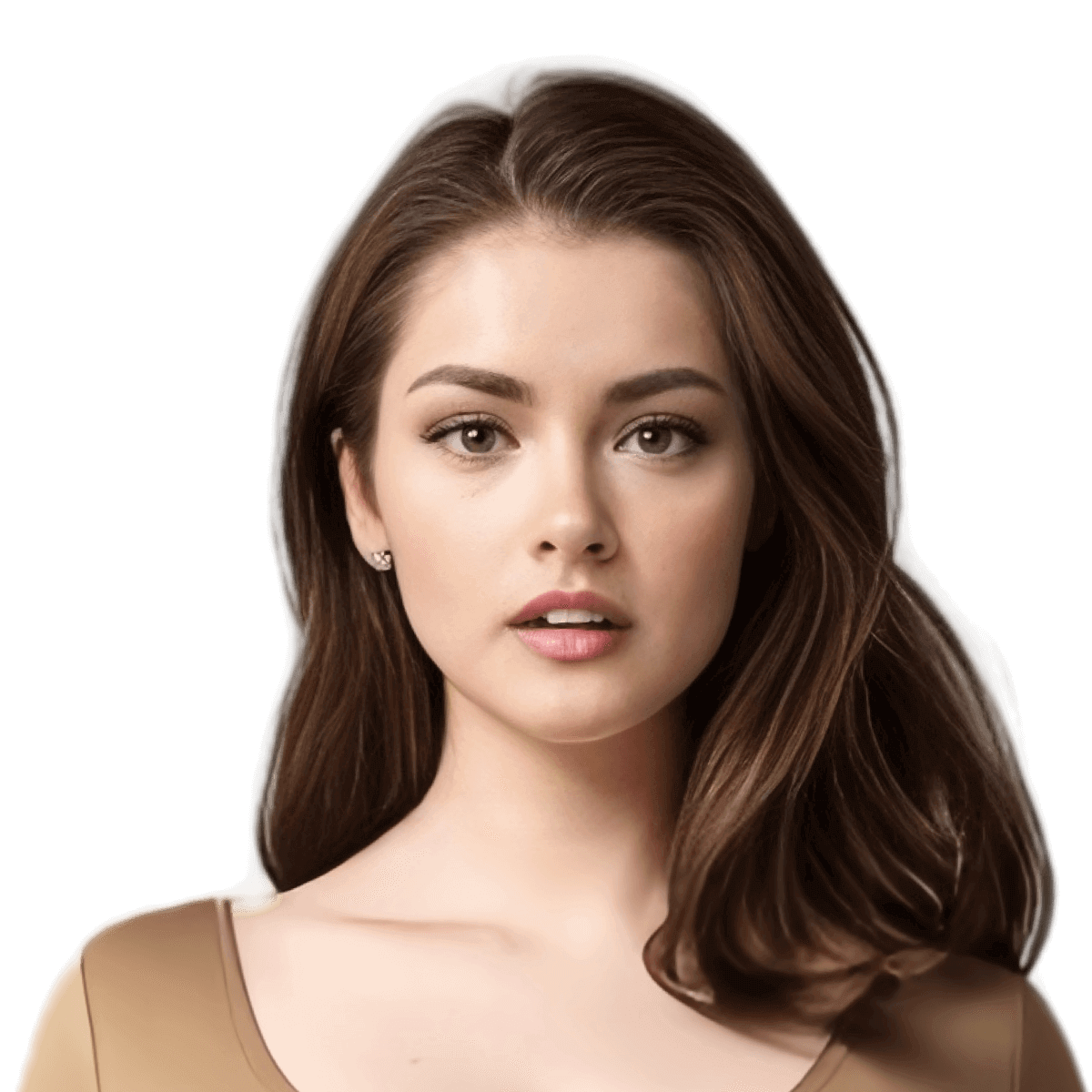
The tool automatically crops your baby’s photo to the required 2×2 inch (51×51 mm) size. It also adjusts the image framing to ensure the baby’s head is properly positioned within the photo.
And our editor ensures a clean white or off-white background and centers the baby’s face within the frame. Please note that facial direction, posture, and expression depend on how the photo is taken and cannot be altered automatically.
Common Mistakes When Taking Baby Passport Photos
- Hands, arms, or fingers visible in the photo
- Textured blankets or patterned backgrounds
- Uneven lighting or shadows on the baby’s face
- The baby’s head tilted too far to one side
- Blurry or low-quality images
By following these tips and using our baby passport photo maker, parents can significantly reduce the risk of photo rejection.
Need Other Passport or Other Visa Photo?
Visa Photo Tools for Other Countries
Browse a wide range of ready-made passport and visa photo templates on our home page. Simply select the document type and create a compliant photo without entering any parameters manually.
For non-passport uses such as school records or daycare IDs, you can also use our Custom ID Photo Maker to define your own size and face-to-photo ratio.
Printing Your Photo
If you want to print a physical copy of your US visa or passport photo, here are some recommended ways:
Australian Visa Photo - 35x45mm
Canada Visa Photo - 35x45mm
China Visa Photo 33x48 mm
US Passport Photo 51x51 mm

Saudi Arabia Visa Photo 2x2 inches (51x51 mm)
Schengen Visa Photo 35x45 mm

Photo 35x45 mm
US Visa Photo 2x2 inch (51x51 mm)
Frequently Asked Questions About US Baby Passport Photo
Can my baby smile in a US passport photo?
For infants and babies, U.S. passport photo requirements are more flexible than for adults. While a neutral expression is preferred, slight smiles or natural facial expressions are generally acceptable, as long as the baby’s face is clearly visible and facing the camera.
Does my baby’s head need to be perfectly straight?
Your baby’s head should be as straight and centered as possible. Minor tilts are usually tolerated for infants, but a significantly angled or off-center head may increase the risk of rejection.
How should head size be measured in a baby passport photo?
Head size is measured from the bottom of the chin to the top of the head, excluding hair. For infants, exact measurements are applied more flexibly, but the face should still appear proportionate within the photo frame.
Are US baby passport photo requirements more lenient than adult ones?
Yes. U.S. passport authorities generally apply infant photo rules more leniently. However, core requirements such as correct photo size, clear facial visibility, plain background, and no other people or objects in the photo must still be met.
Can I take my baby’s passport photo at home?
Yes, you can take a US baby passport photo at home. Many parents place their baby on a flat, light-colored surface with even lighting. Just ensure there are no shadows, hands, toys, or patterned backgrounds visible in the photo.
Will shadows or uneven lighting cause rejection?
Minor shadows may be tolerated for baby passport photos, but strong shadows on the face or background can lead to rejection. Even, natural lighting is recommended to reduce risk.
Can someone hold the baby during the photo?
No. The baby must be alone in the photo. Hands, arms, or any visible support from another person are not allowed and may cause the photo to be rejected.
Should I bring more than one baby passport photo to the appointment?
Many parents choose to bring multiple printed photos to their passport appointment. This can be helpful in case an acceptance officer prefers one photo over another.
Does your tool guarantee passport photo acceptance?
No tool can guarantee acceptance, as final approval is determined by U.S. passport authorities. Our baby passport photo maker ensures that your photo meets official technical requirements, helping reduce the risk of rejection.