

Passport Photo Maker Online: AI-Powered & 100% Compliant
Create official passport photos in seconds. Our AI-powered passport photo maker ensures your photos meet all government requirements for 150+ countries.
- 100% Acceptance Guarantee
- Automatic Background Removal
- Official Sizes for 150+ Countries
- Ready in Less Than 60 Seconds
The Smart Way to Create Passport Photos Online
Stop wasting time driving to expensive photo studios or waiting in line at drugstores. Our online passport photo maker allows you to create professional, government-compliant photos from the comfort of your home.
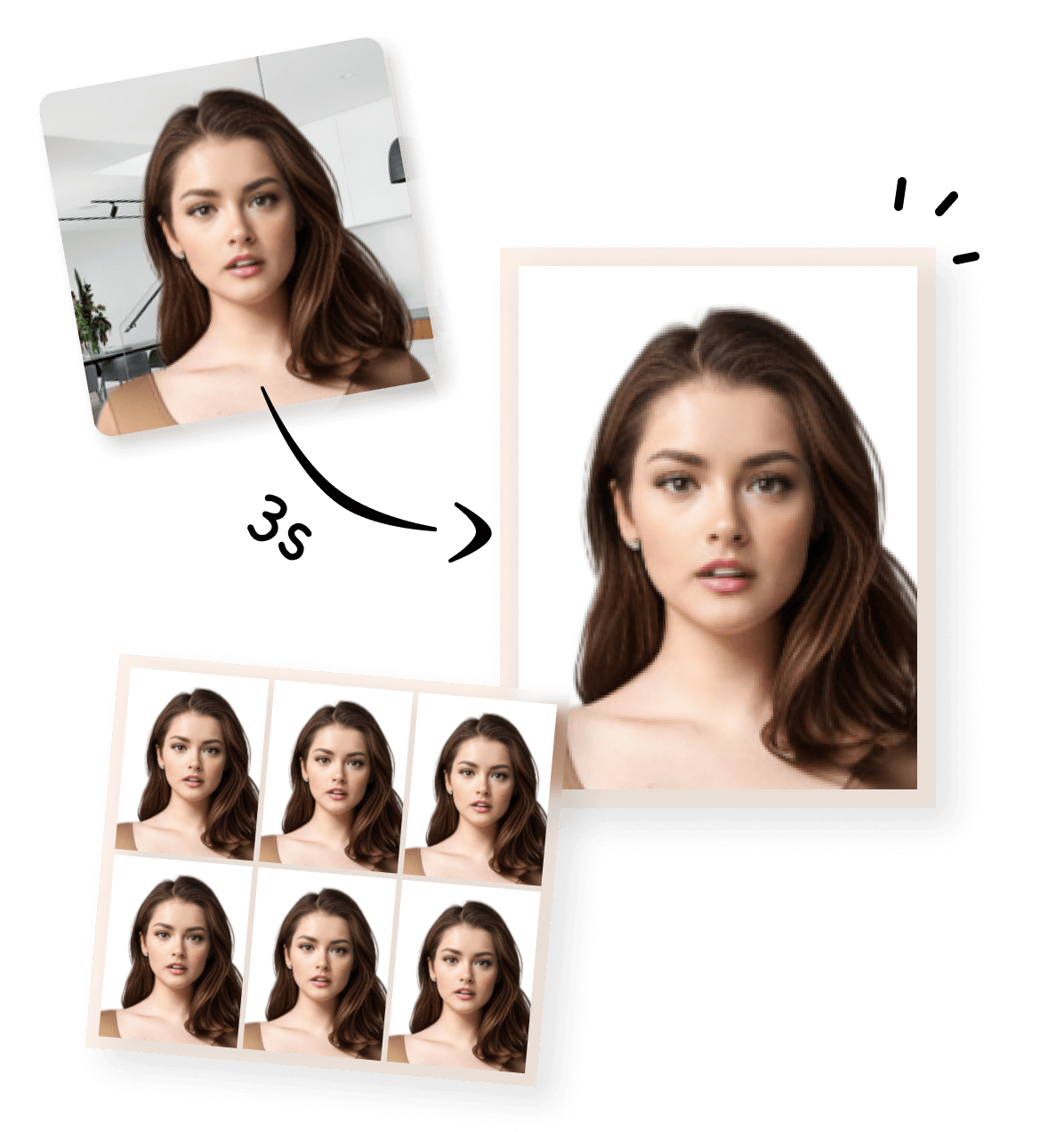
Whether you need a new passport, a visa, or an ID card, our AI technology handles the hard work. We automatically crop, resize, and adjust your image to meet the exact specifications required by authorities. It is faster, cheaper, and more convenient than traditional methods.
Supported Countries for Passport & Visa Photos
Our tool supports official requirements for over 150 countries. No matter where you are traveling, we have the correct dimensions ready for you.
Popular countries include:
- United States: Passport, Visa, Green Card, and DV Lottery.
- United Kingdom: Standard passport and driving license.
- Canada: Passport and PR card.
- India: Passport, OCI, and PAN card.
- Australia: Passport and ID photos.
- Germany / France / Italy: Standard EU Schengen visa and passport sizes.
How to Use the Passport Photo Maker (4 Easy Steps)
- Upload Your Photo: Select a clear photo from your gallery or take a new one with your phone.
- AI Processing: Our AI automatically removes the background and detects facial features for perfect alignment.
- Choose Your Country: Select the country and document type (e.g., US Passport).
- Download Result: Get your high-resolution digital photo and a printable template instantly.
General Passport Photo Requirements
To ensure your photo is accepted, follow these global standard rules:
- White Background: Use a plain, light-colored background (our AI will fix this for you).
- Neutral Expression: Keep your mouth closed. Do not smile or frown.
- Centered Face: Look directly at the camera with your head straight.
- No Shadows: Ensure even lighting on your face and the background.
- High Resolution: Use a clear photo. Avoid blurry or pixelated images.
Powerful AI Features for Perfect Results
Our passport size photo maker is equipped with advanced technology to handle every detail:
- AI Background Removal: Instantly replaces any background with official white or off-white.
- Auto Resizing: Automatically crops your photo to the exact millimeter or inch required.
- Face Alignment Detection: Ensures your eyes and head are positioned correctly.
- Compliance Check: Analyzes the photo to verify it meets official biometric standards.
- Printable Templates: Generates a 4x6" (10x15cm) sheet with multiple photos for easy printing.
- Digital Download: Provides high-quality files for online government applications.
Use Cases for Our Photo Tool
- Passport Application: Get the perfect shot for your first passport.
- Passport Renewal: Update your document quickly without leaving home.
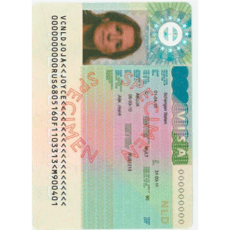
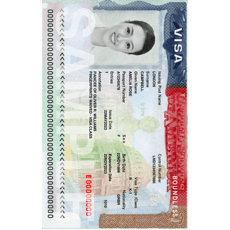
- Visa Application: Specific sizes for US, China, Schengen, and more.
- Baby Passport Photos: The easiest way to take a compliant photo of an infant or toddler.
- Urgent Travel Documents: Create and download your photos instantly for last-minute trips.
Correct vs. Incorrect Examples
✔ Correct Passport Photo Rules:
- Eyes open and clearly visible.
- Head is fully in the frame.
- Plain white background.
- Natural skin tones.
✘ Common Mistakes to Avoid:
- Wearing sunglasses or tinted lenses.
- Wearing a hat or head covering (unless for religious reasons).
- Looking away from the camera.
- Strong shadows on the face.
Official Passport Photo Sizes by Country
| Country | Photo Size (Width x Height) | Background Color |
|---|---|---|
| United States | 2 x 2 inches (51 x 51 mm) | White |
| United Kingdom | 35 x 45 mm | Light Gray / Cream |
| Canada | 50 x 70 mm | White |
| India | 2 x 2 inches or 35 x 45 mm | White |
| Australia | 35 x 45 mm | White |
| Germany | 35 x 45 mm | Light Gray |
| France | 35 x 45 mm | Light Blue / Gray |
| Italy | 35 x 45 mm | White |
Frequently Asked Questions
Can I use a photo taken with my phone? Yes. Modern smartphones take high-quality photos that are perfect for our passport photo maker.
Can I smile in my passport photo? Usually, no. Most countries require a neutral expression with a closed mouth.
What color should the background be? Most countries require a plain white or light gray background. Our tool will automatically fix the background for you.
Can I print my photos at CVS, Walgreens, or Walmart? Yes. Our tool provides a 4x6 inch printable template that you can print at any local photo lab for a few cents.
Do you provide digital passport photos? Yes. You will receive a high-resolution digital file ready for online government portals.
Is it free to use? We offer a daily free limit for users. For premium features like expert compliance checks and unlimited downloads, we offer affordable pay-per-photo options.
Does this tool support visa photos? Yes, it is a complete visa photo tool. We support dimensions for US Visas, Schengen Visas, and many others.
Explore More Tools
- [Visa Photo Tool]
- [Passport Photo Resizer]
- [ID Photo Maker Online]
- [Global Passport Photo Requirements]
Ready to Create Your Passport Photo?
Don’t risk a rejected application. Use our AI passport photo maker to get a guaranteed result in seconds. Join thousands of happy travelers who save time and money with us.