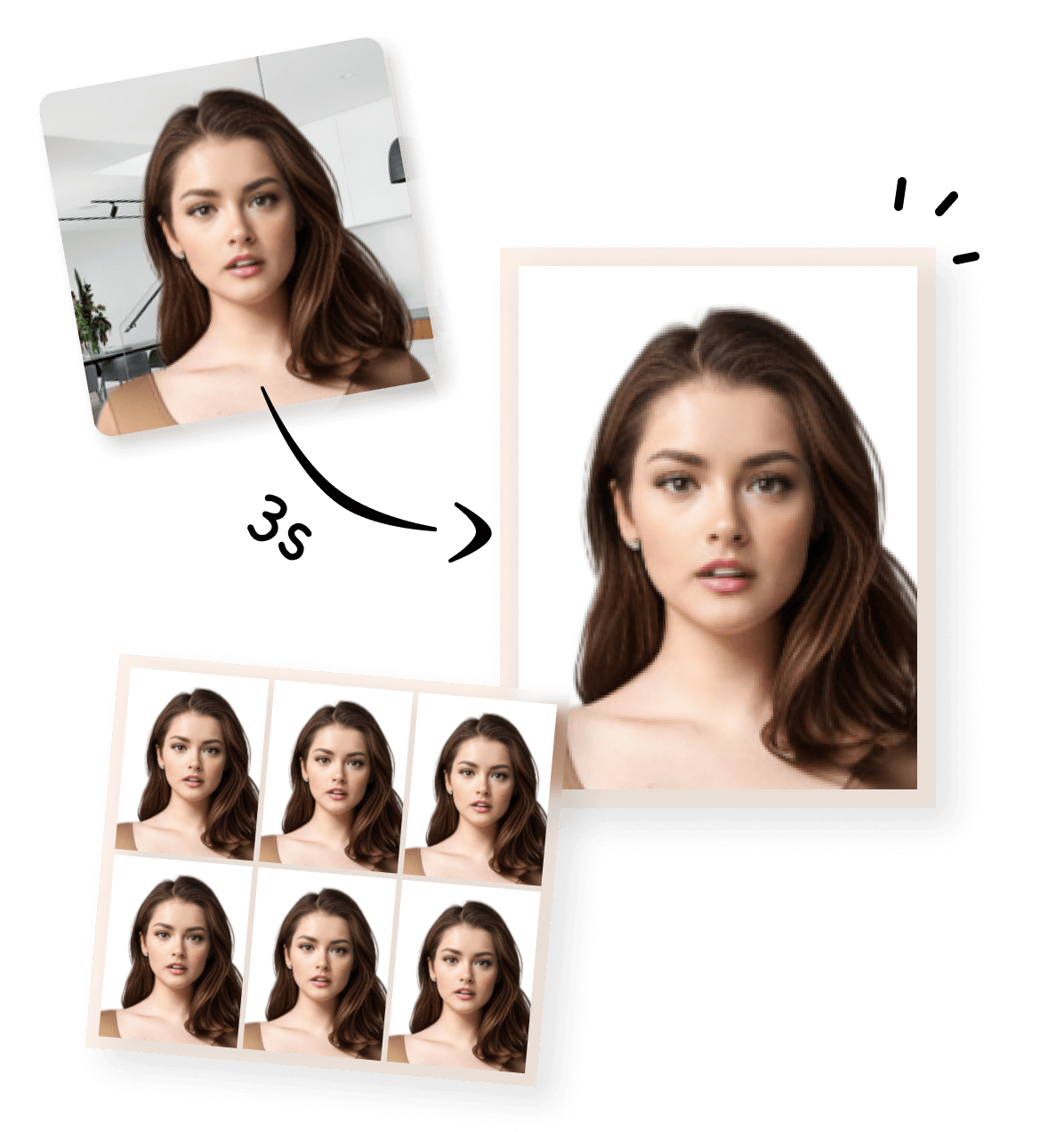


When registering for the JLPT (Japanese Language Proficiency Test), your ID photo is more than just a formality—it’s essential for identity verification. A small mistake, like the wrong size or a poor-quality photo, can lead to registration delays or rejection.
This guide will help you get your photo right the first time, avoid common mistakes, and meet official JLPT standards.
Official Requirements (JLPT Standard)
| Requirement | Details |
|---|---|
| Size & Aspect Ratio | 3.5 cm × 4.5 cm (portrait, 3:4 ratio) |
| Format & File Size | JPG / JPEG; usually ≤2MB. Avoid PNG or oversized files |
| Background | Plain white or light-colored background. No shadows or patterns |
| Face & Expression | Full-face, neutral expression, no filters. Glasses allowed if no glare |
| Recent Photo | Taken within the last 6 months |
💡 Tip: Always check the official JLPT website for the latest requirements: JLPT Official ID Photo Guide
Common Mistakes & Pitfalls
Many candidates fail the photo requirement due to small but critical errors:
- File size issues: Too large or too small files cannot be uploaded.
- Wrong dimensions: Self-cropped selfies often fail.
- Glasses glare: Reflections covering eyes may lead to rejection.
- Background clutter: Dark or patterned backgrounds are not accepted.
- Old or filtered photos: Photos older than 6 months or over-processed images can be rejected.
Practical Photo Tips
Lighting & Environment
- Use natural light when possible, avoid harsh shadows.
- Shoot against a plain white wall or light-colored backdrop.
Shooting Method
- A level, frontal shot ensures compliance.
- Mobile phone or camera works, just make sure the face is centered.
Post-Processing
- Crop the photo to 3.5×4.5 cm or maintain 3:4 ratio.
- Compress files carefully: avoid reducing quality below clarity requirements.
Pre-Upload Checklist
- Correct size and aspect ratio
- Neutral expression, eyes open and visible
- No shadows or reflections
- File format: JPG / JPEG, ≤2MB
- Recent photo (<6 months)
Extra Tips: Going Beyond Other Blogs
Comparison Examples: Show clearly acceptable vs unacceptable photos.
- Step-by-Step Selfie Guide: Include diagrams or GIFs for correct positioning.
- Platform Notes: Some JLPT registration systems (domestic vs international) have minor file restrictions.
- FAQ Section: Answer questions like:
- Can I wear glasses? ✅ Yes, no glare.
- Can I use PNG? ❌ Officially not recommended.
- Can I use a photo older than 6 months? ❌ Do not.