Costco Baskı Çevrimiçi için 51x51mm Pasaport Fotoğrafınızı Oluştur


Costco Passport Photo Options: In-Store vs Online + Printing
Costco In-Store Passport Photo Services Today
Most Costco locations no longer offer full in-store passport photo services. While some warehouses previously provided passport photo capture, Costco today generally supports photo printing only, not photo taking or passport photo verification.
💡 Note: While Costco no longer operates its own in‑store photo centers, it has partnered with Shutterfly to provide online photo printing services for Costco members.
This means you usually cannot walk into a Costco and have a staff member take your passport photo. However, Costco remains a popular option for printing passport photos when you already have a compliant image.
Online Passport Photo + Costco Printing: The Recommended Solution
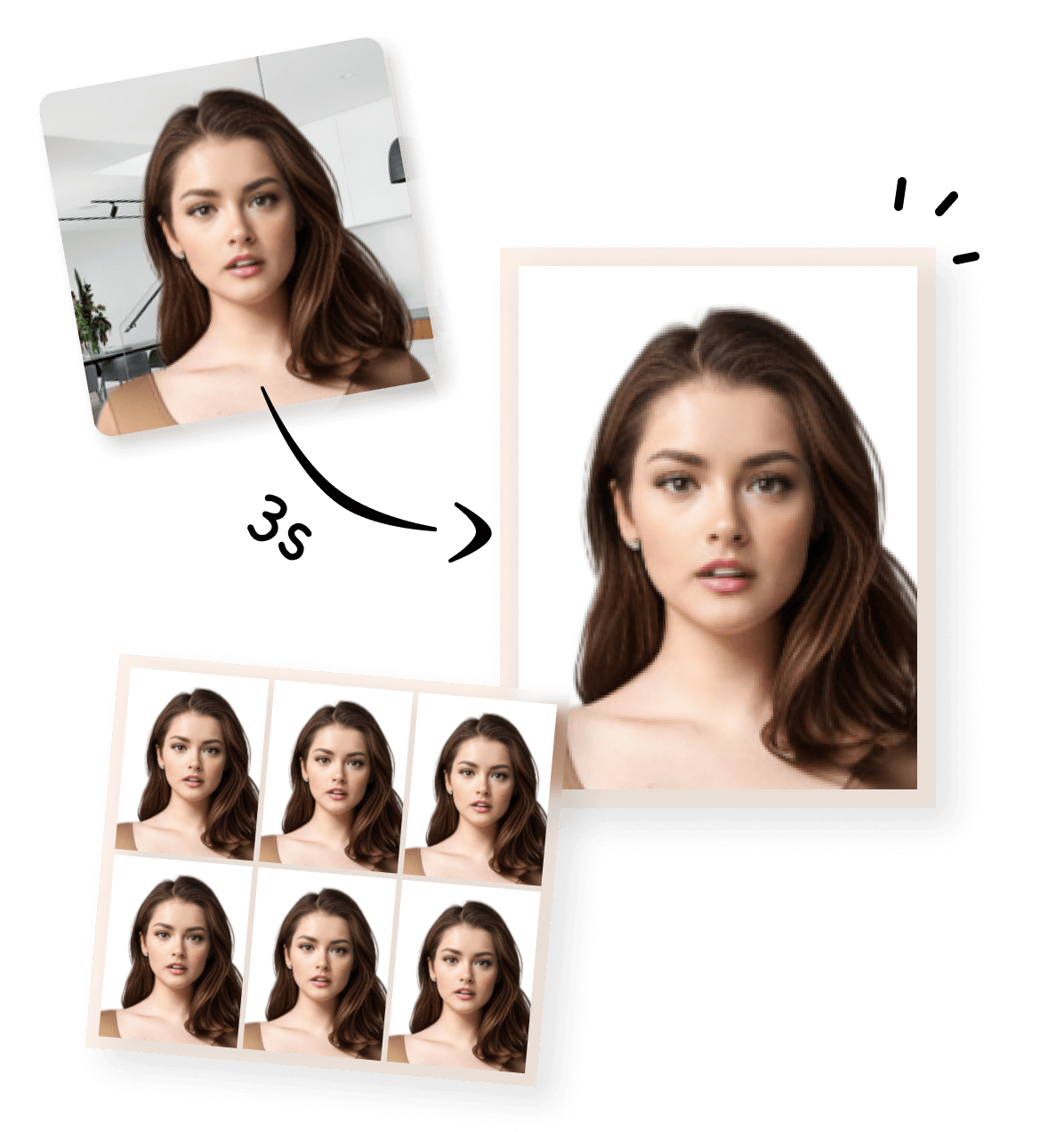
A reliable and cost-effective alternative is to create your US passport photo online, then print it at Costco.
By using an online passport photo tool, you can ensure your photo meets all official US passport requirements — including size, background, and head positioning — before sending it to Costco for printing.
This approach reduces the risk of rejection and avoids relying on in-store availability, which may vary by location.
How to Create a US Passport Photo Online (Step-by-Step)




How Much Is a Passport Photo at Costco?
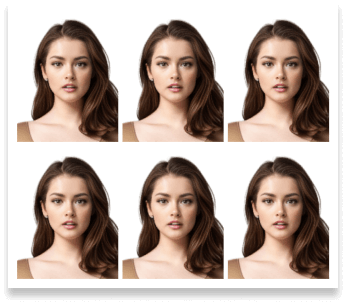
You can upload digital photos to Shutterfly and print them at prices similar to standard photo prints — though passport photos must be prepared in advance as digital files.Shutterfly offers a variety of print sizes with affordable pricing that can be used for passport photo printing once you have a compliant 2×2 passport photo file ready:- 4×6 Prints: typically around $0.29 per print – this is a common size used to include multiple 2×2 passport photos on a single sheet.
💡 Note: The passport photo file generated by our online tool is already arranged as a 4×6 inch layout, so simply print it on 4×6 photo paper at Costco or any photo center.
- Other Sizes Available: wallet prints (~$1.99), 8×10 prints (~$3.95), larger formats, and more. These prices reflect Shutterfly’s standard photo product offerings available to all users (Costco members may receive special pricing when logged in with a linked Costco membership).
Official US Passport Photo Requirements & Costco Tips
To ensure your US passport photo meets official standards, please refer to the official requirements illustrated in the image module below.
 Boyut
Boyut
 Çözünürlük (DPI)
 Arka plan rengi
 Online kullanım için uygun mu?
 Yazdırılabilir mi?
- Costco-specific tips:
- Use a pre-formatted digital file (our tool generates a 4×6 layout with multiple 2×2 photos).
- Avoid cropping or resizing in-store — Costco prints exactly what you upload.
- Verify lighting, background, and head position in the digital file before printing.
More Printing Options & Photo Types You Can Use
Print Your Passport Photo at Other Stores
After creating your passport photo online, you are not limited to printing at Costco.You can choose the most convenient store near you and use the same digital photo file for printing. Common alternatives include:- CVS Passport Photo Printing
- Duane Reade Passport Photo Printing
- Sam’s Club Passport Photo Printing
- Walmart Passport Photo Printing
Create More Than Just Passport Photos
Our online photo tool supports many types of passport and visa photos, not just US passport photos.When creating your digital photo, simply select the appropriate template — the process remains the same.